Pending Approvals
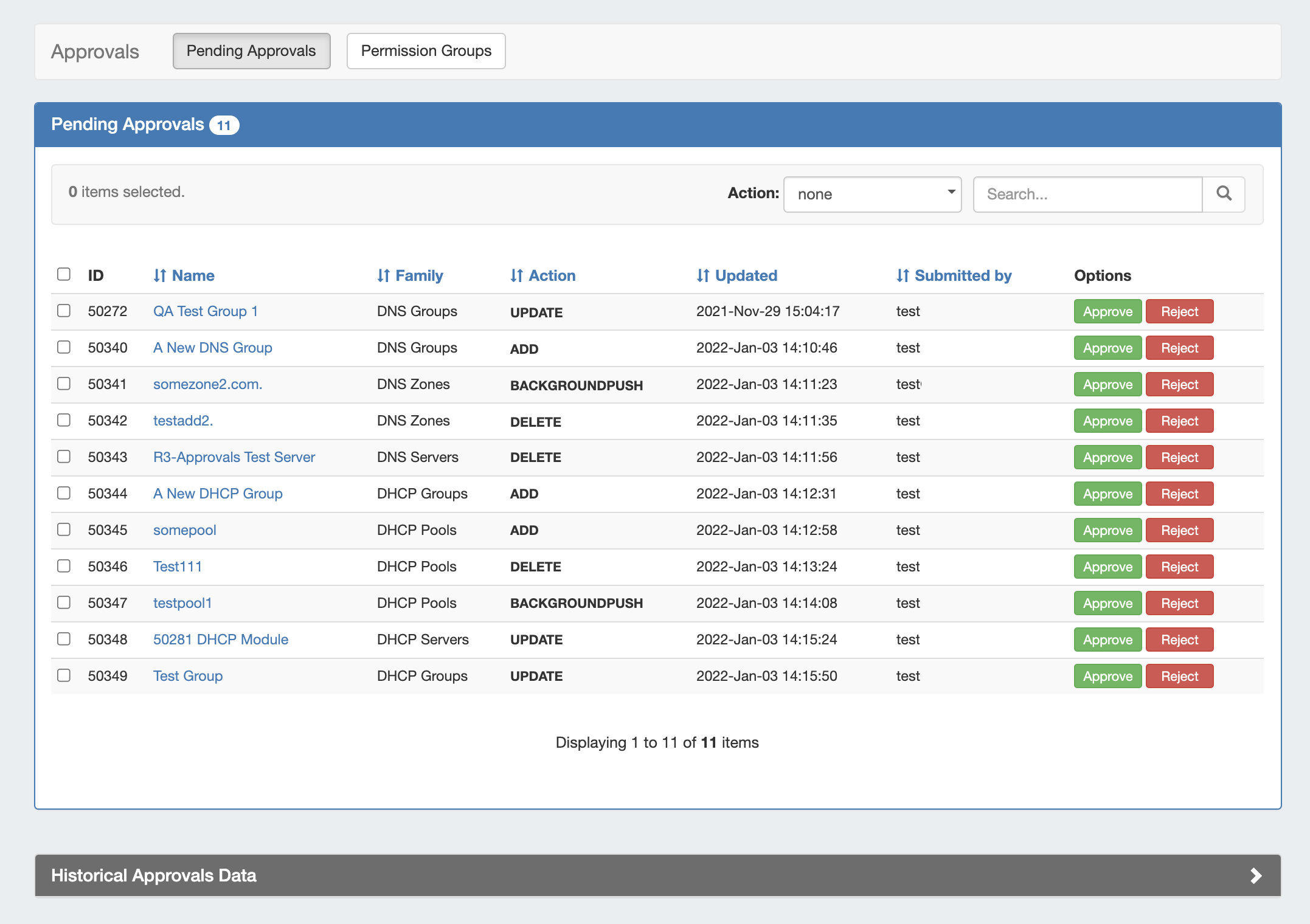
The Approvals module stores and queues DNS or DHCP actions made by selected User Groups, and sends those actions to a Pending Changes list for administrative review. Later, an administrator (or combination of administrators) can approve or reject these stored actions.
The admin Approvals Tab contains two sub-tabs: Pending Approvals and Permission Groups, which are the primary areas to manage Approvals items.
| Info |
|---|
Currently, Approvals is available only for DNS / DHCP related actions, while we gather feedback and use cases to inform possible future updates. If you are interested in providing feedback, a use case, or requests for future additions to the Approvals system, please contact feedback@6connect.com. |
| Table of Contents |
|---|
Pending Approvals - Overview
The Pending Approvals sub-tab lists Pending approval requests (also referred to as change requests, approval events, or approval items) for which the current admin user has permission to "Approve" or "Reject".
...
At the bottom of the page, historical approval items for the user are shown. The user may filter their previous approval items by Executed, Approved, Rejected, or Pending by Others (for items requiring multiple Groups to approve).
Working with Pending Approvals
View / Sort Pending Approvals
The Pending Approvals list may be sorted for any column with the sort arrow icon (↓↑ ).
...
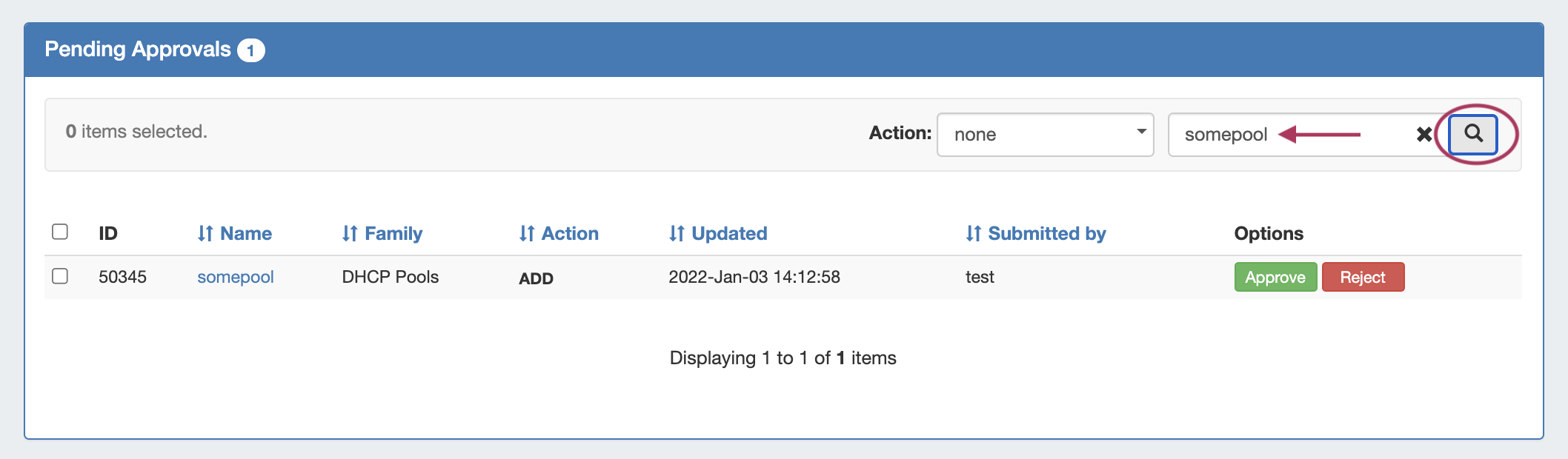
Search the list for a specific item name by typing all or part of the name in the search box, then clicking the search icon.
View / Sort Approval History
Previous Approval events applicable to the current admin user are displayed under the Approvals Historical Data section, until they are deleted or removed by an archive process, such as the "Approvals - Delete events older than 1 month" scheduler task process.
...
Search the list for a specific item name by typing all or part of the name in the search box, then clicking the search icon.

Viewing Requests Pending by Other Groups
Approval requests that you have approved/rejected, but which are still awaiting a response from another group, may be viewed under Historical Approvals Data by setting the "status" filter to view "Pending by Others".

Viewing details on a change request
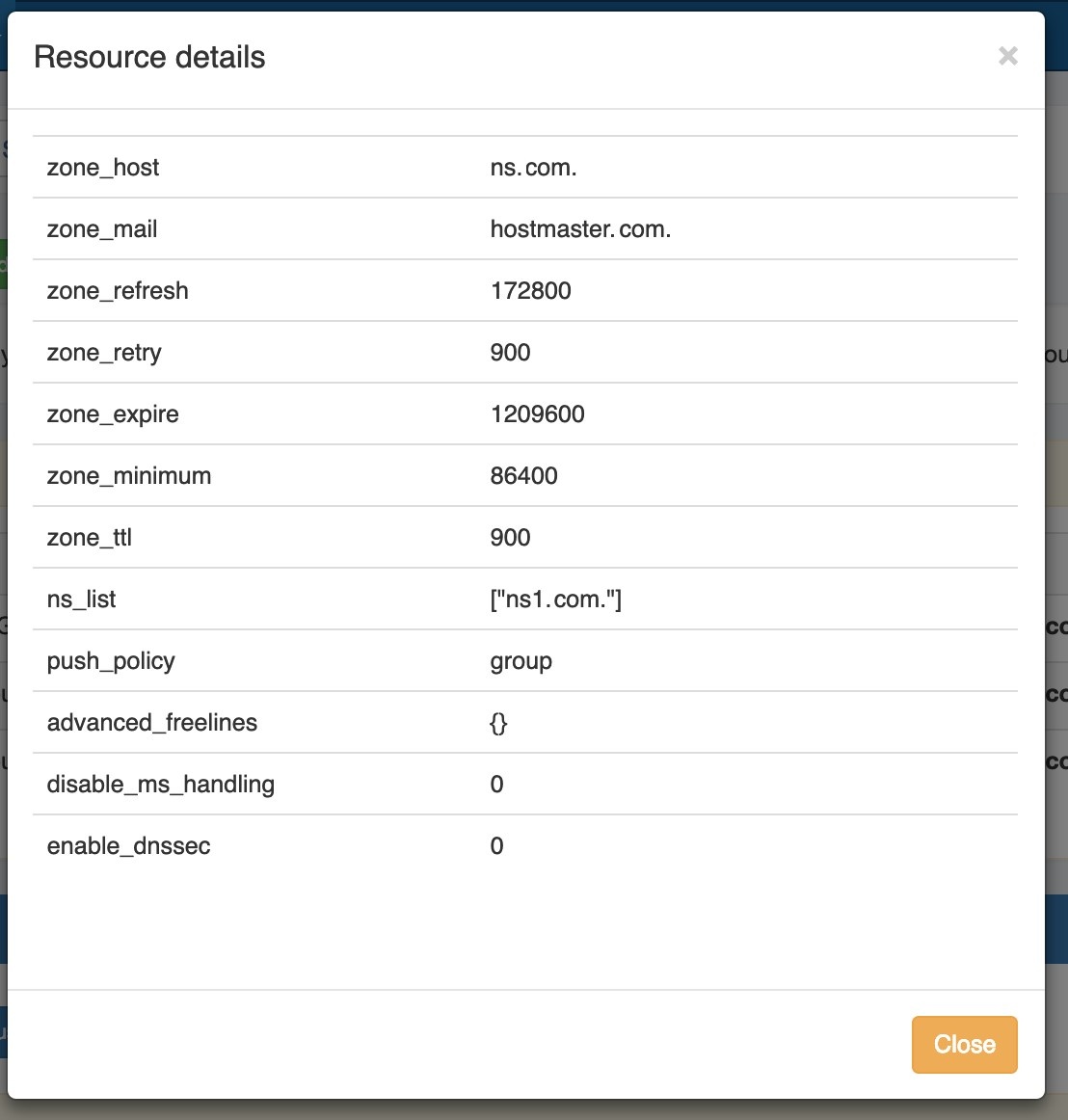
To view details on any Approvals change request, click the name for the desired item. An information box will appear with details on the change, including status, id, creation date, family, field values, and the API Call in JSON format.
...
The change may be approved or rejected directly from the detail information box, or you may click "Close" to exit.
Approve / Reject a single change request
To Approve or Reject any single change request, click either the "Approve" or "Reject" button for the pending item.
...
Approving or Rejecting a request may be done from the Pending Approvals list, the detail view for the item, or from the "Resources awaiting approval" module for the relevant area.
Bulk Approve / Reject
Bulk Approve or Reject actions may only be done from the Approvals tab Pending Approvals list.
...
If you wish to select all items in the Pending Approvals list for the same response type, click the "select all" checkbox to the left of the "ID" column name. All of your pending items will be selected, and you may choose to "Approve All" or "Reject All" from the top of the page.
Resources Awaiting Approval Module
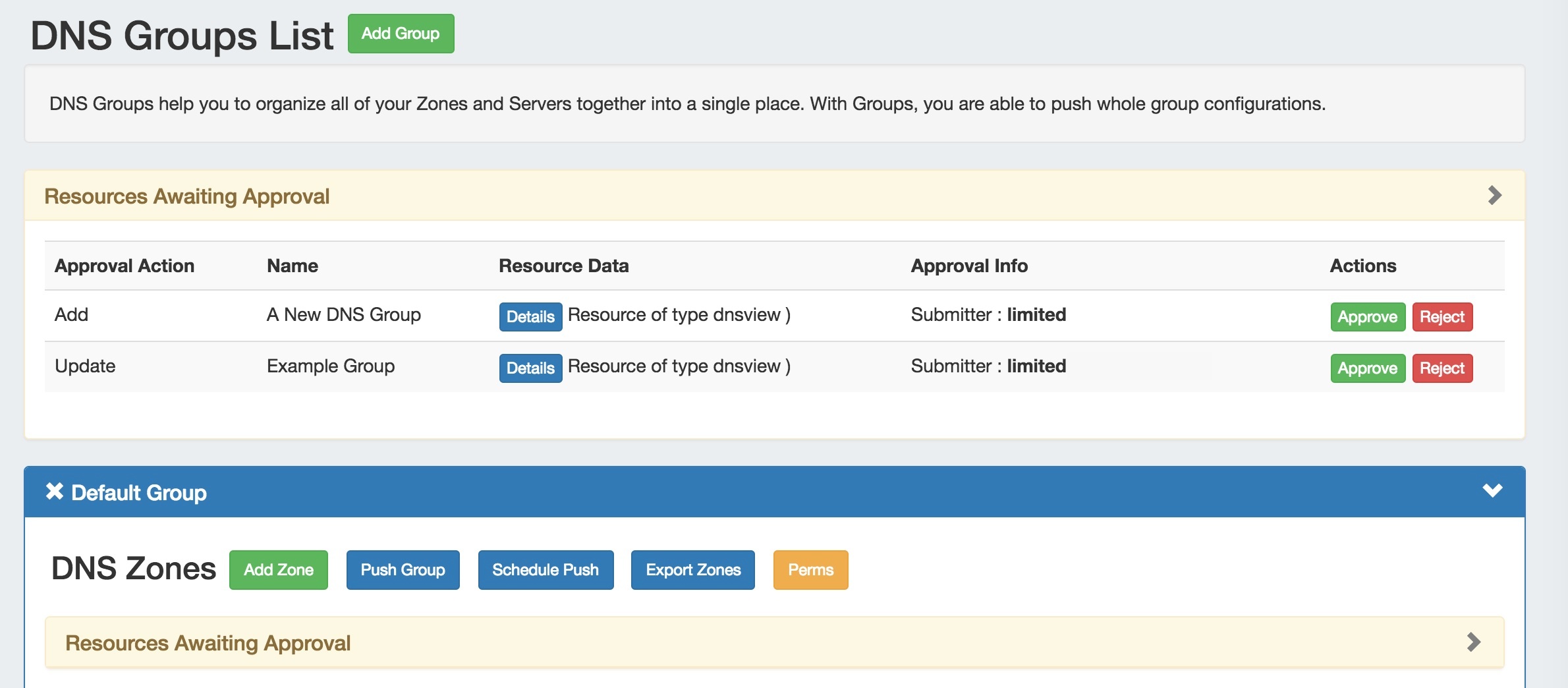
A Resources Awaiting Approval module will display in the relevant DNS / DHCP areas, if a change has been submitted on that page either by the current user, or that the current user may Approve/Deny.
...
Details for the change may be viewed by clicking the "Details" button in the module.
View / Send Request Status Change Notifications
Email notifications of changes in status are an optional feature that may be set up by Approval Permission Group for the desired action types.
...
The "Approvals - Process Subscription" task processes approval request events and handles the sending of notification emails to subscribed Approvals Groups. If Approvals are in use with notifications, it is recommended to create this task with a run time of "every 5 minutes" and no end date. For details on setting up this task, see documentation for the Scheduler.
Delete Old Approval Events (Scheduler)
Old Approval events may be purged from the system by enabling and running the scheduler event "Approvals - Delete events older than 1 month". This task deletes any Approvals history events older than 30 days, and It is recommended to run this task monthly to clear out obsolete approvals items and reduce approvals page load time.
For information on setting up scheduler events, see documentation for the Scheduler.
Additional Information
See the following areas for more information on Approvals and using Approvals with DNS:
...