...
Users may edit the title, if desired, and select from available space type and RIR(s) to create a customized view.
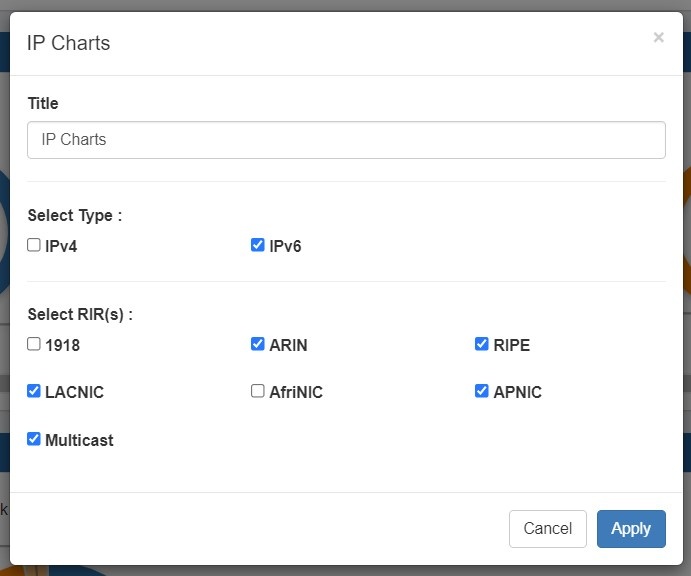
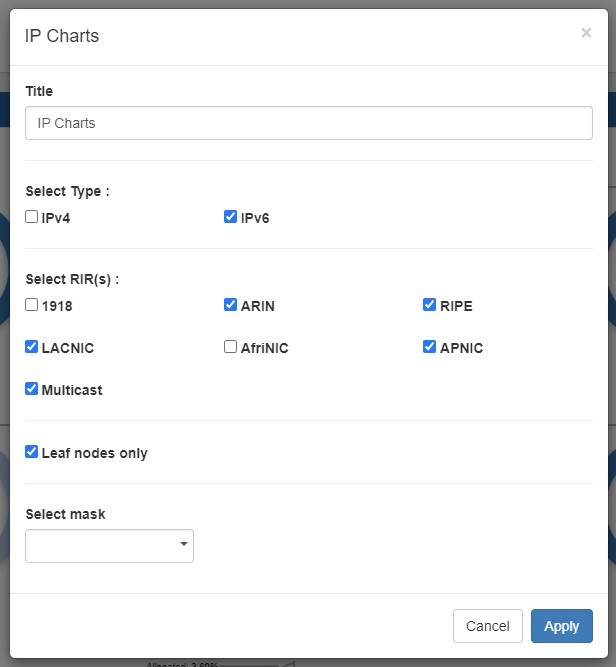
Title: Edits the title of the widget shown on the header.
...
Select RIR(s): Edits the RIR(s) included in charts.
Leaf nodes only: Limits chart displays to leaf nodes only.
Select mask: Edits the mask included in charts.
IP Aggregate
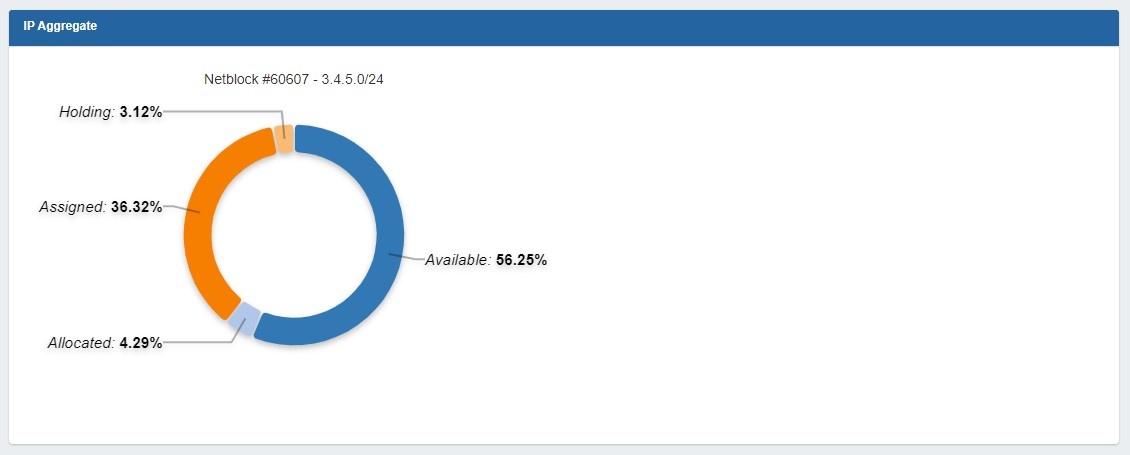
Illustrates the percentage of assigned, unassigned, allocated, and holding tank hosts for a specific netblock.
...
The IPAM Stats Widget contains read-only IPAM data on host count by status, assigned date range, assignment rate, and projected runout under three tabs.
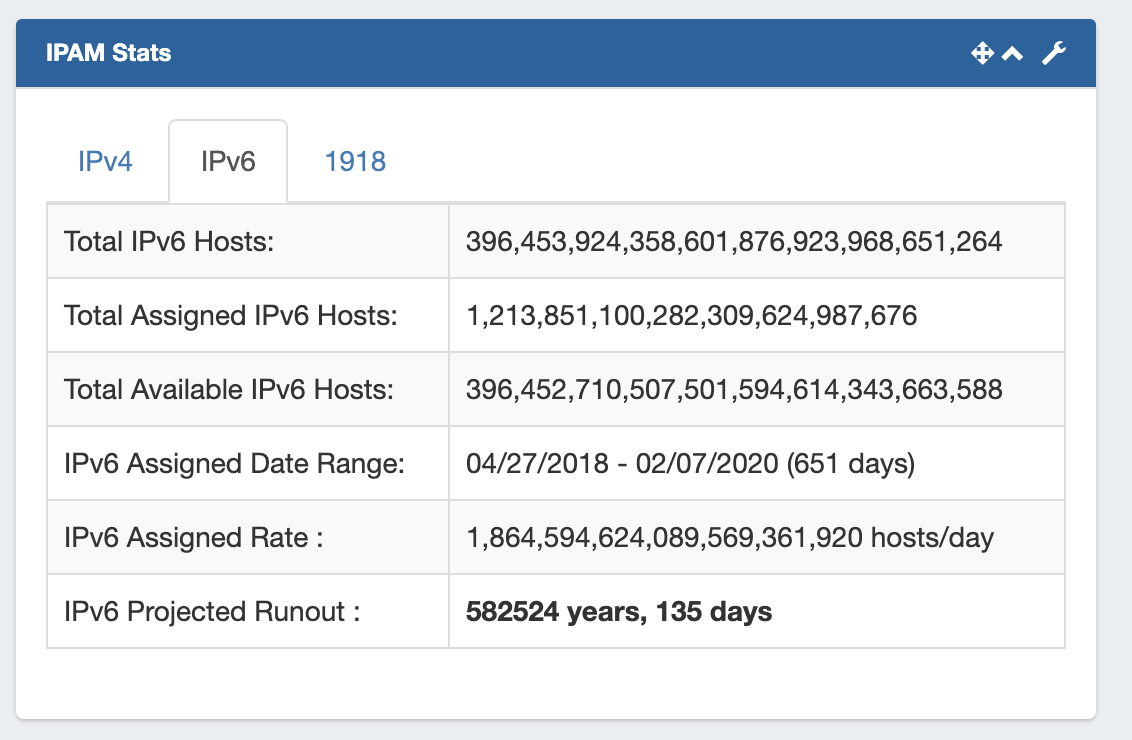
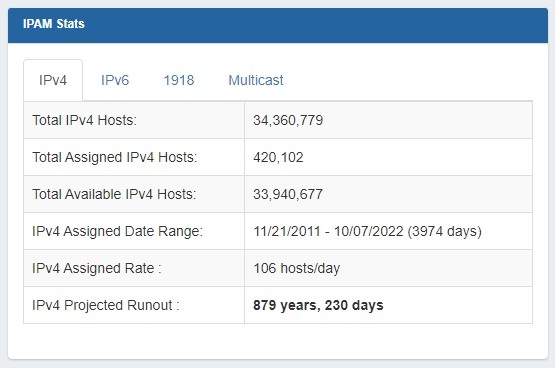
Users may select to view IPv4, IPv6, 1918, or 1918 Multicast stats by clicking on the tab for the block type you wish to view.
...
Feed URL: Edits the URL of the RSS Feed to show.
Status
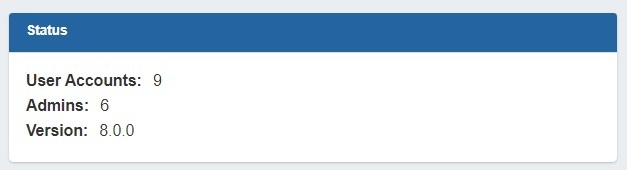
Shows ProVision Shows ProVision status information, including number of user accounts (admin only), number of admin accounts (admin only), and current version number.
Status Edit Options:
Title: Edits the title of the widget shown on the header.
...