Peering Routers
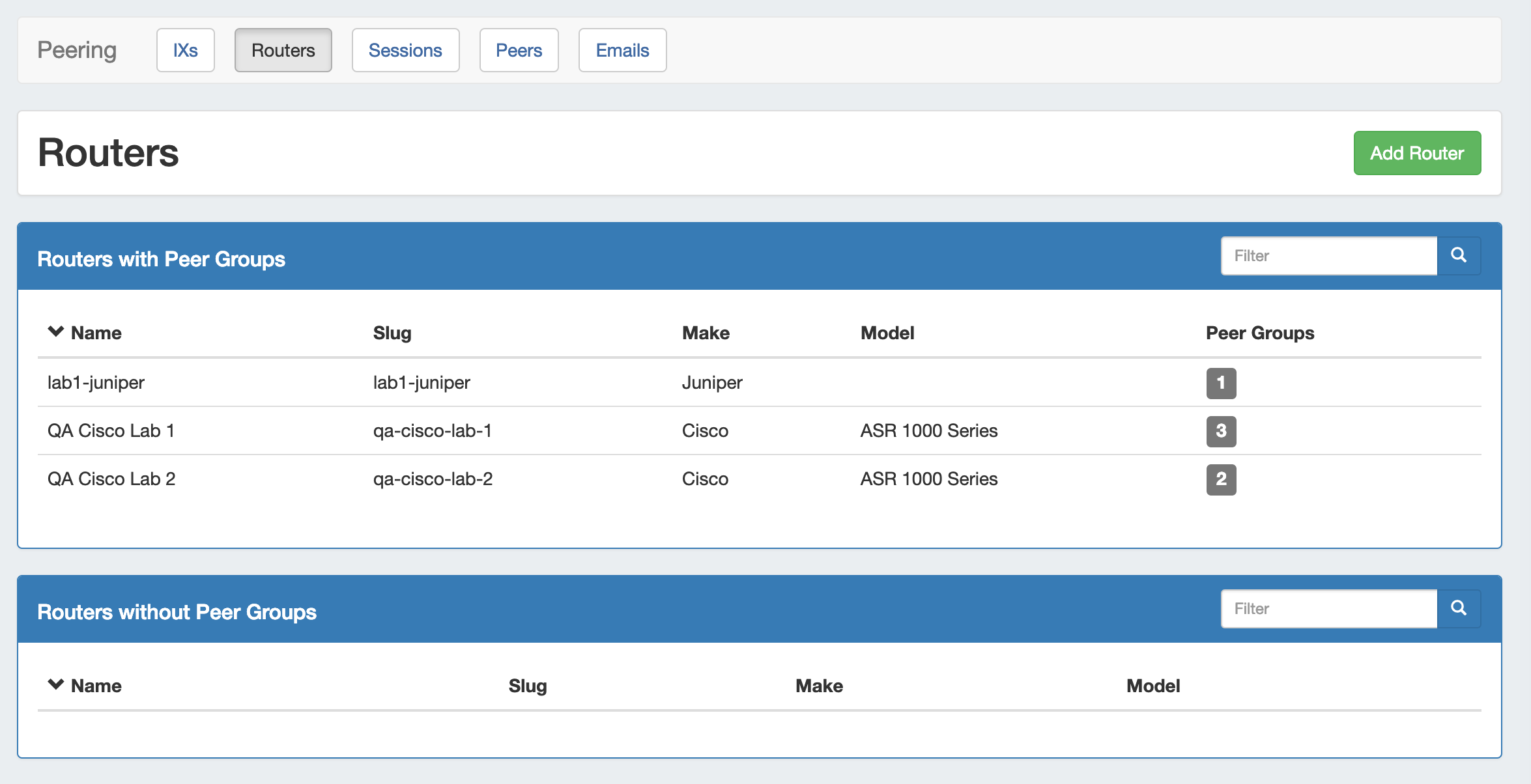
The Routers subtab is where routers may be added and managed. Routers are divided into two lists - those with Peer Groups, and those without.
From here, you can filter the router list, click on any router name to go to the Router Details page, or "Add Router" to add a new router.
| Table of Contents |
|---|
Working with Peering Routers
Add a Router
Add a new router by clicking the "Add Router" button, which will direct to a page to input the router details.
...
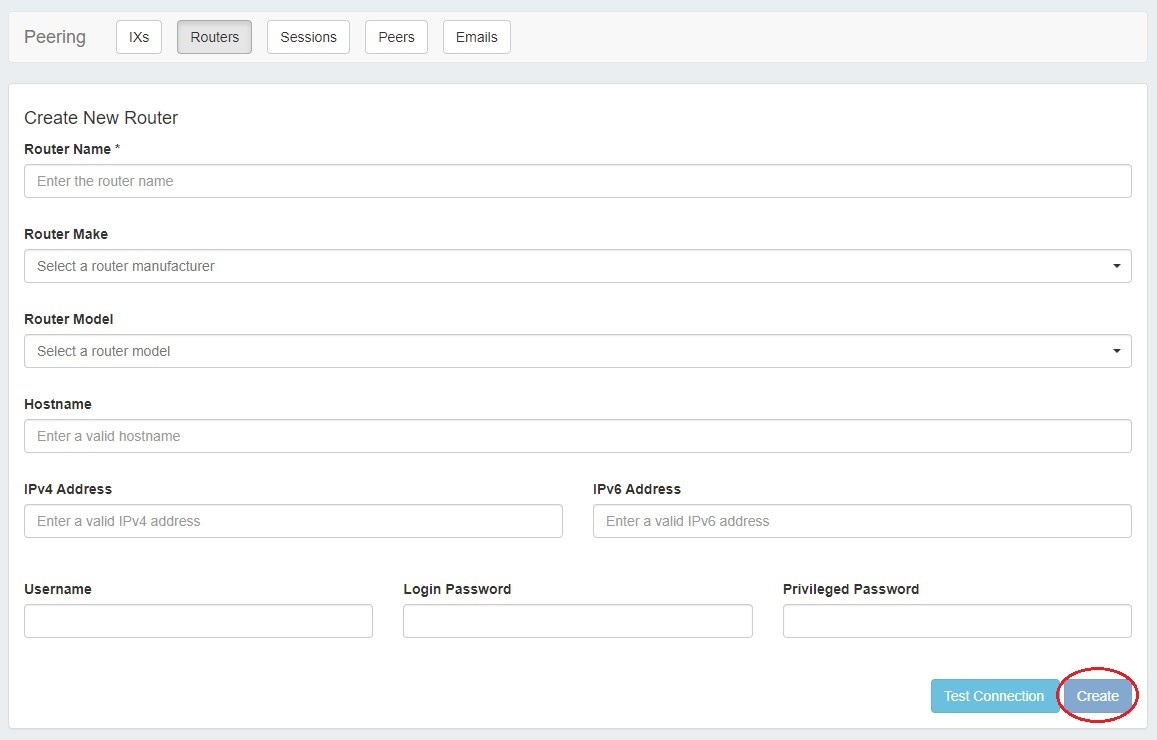
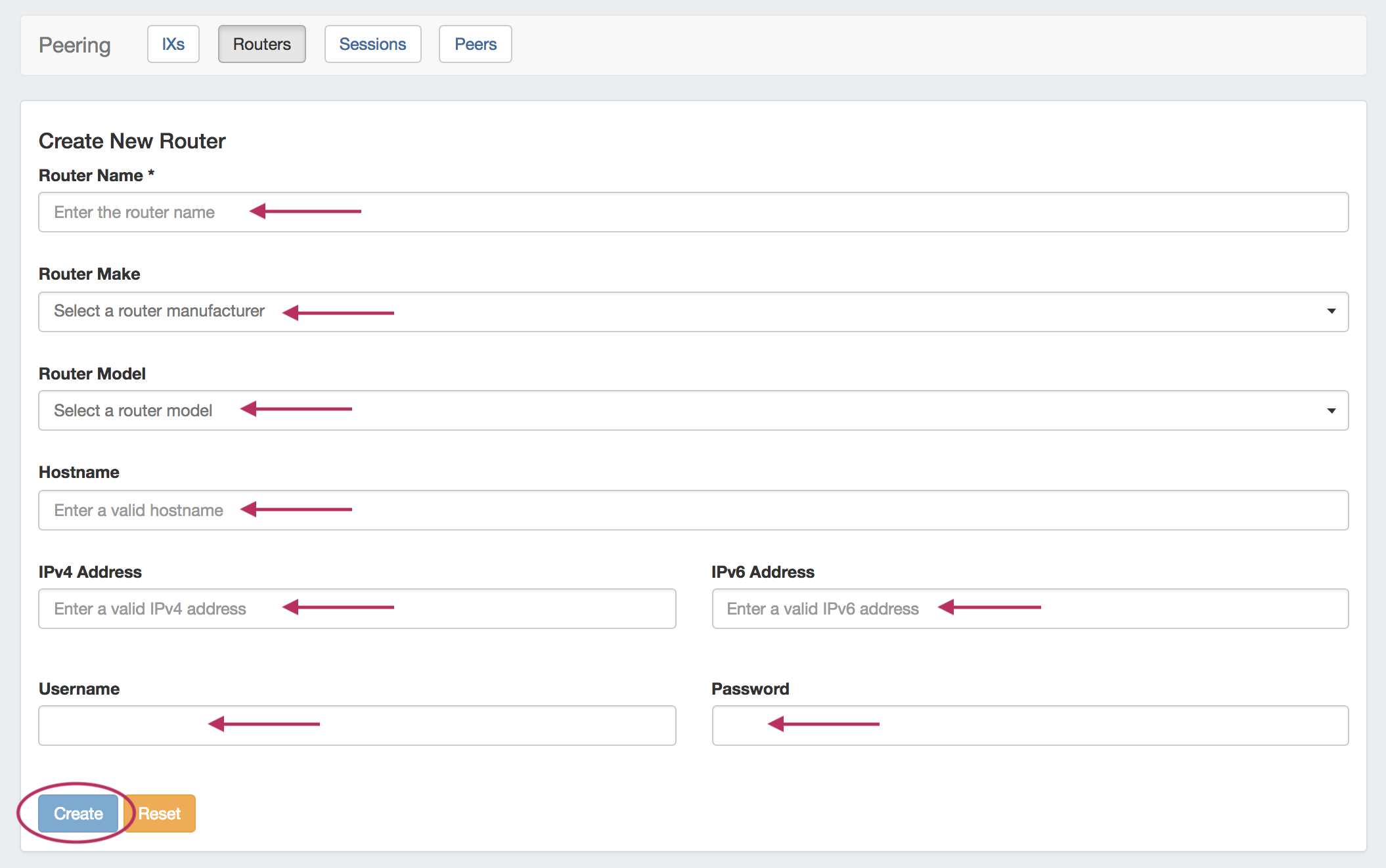
Enter in router details: Name, Make, Model, Hostname, IP address(es), and credentials. If desired, you can confirm the connection by clicking "Test Connection". When done, click "Create".
The Router will be added to the Router list, and can be managed from the router details page.
...