IPAM
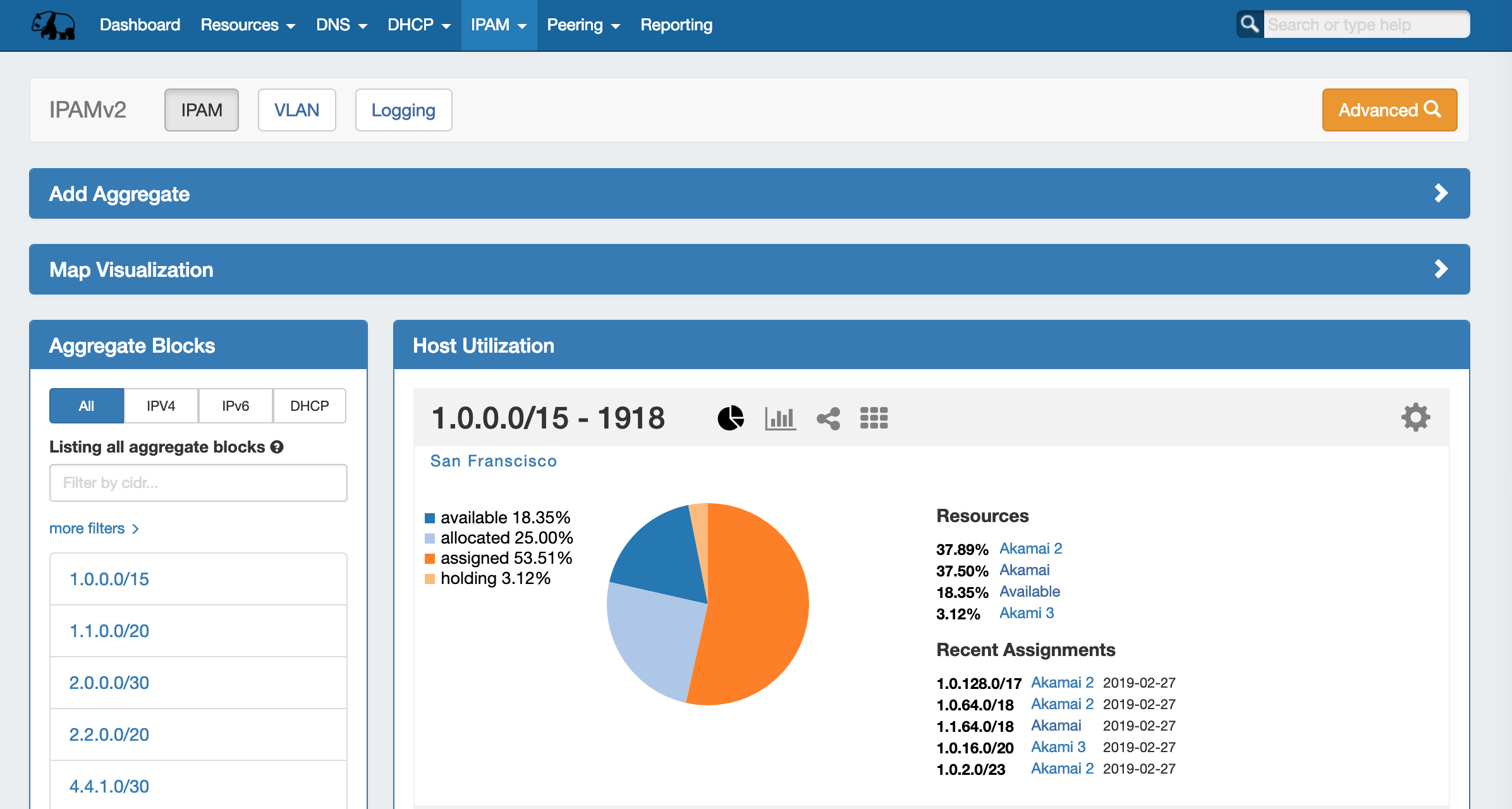
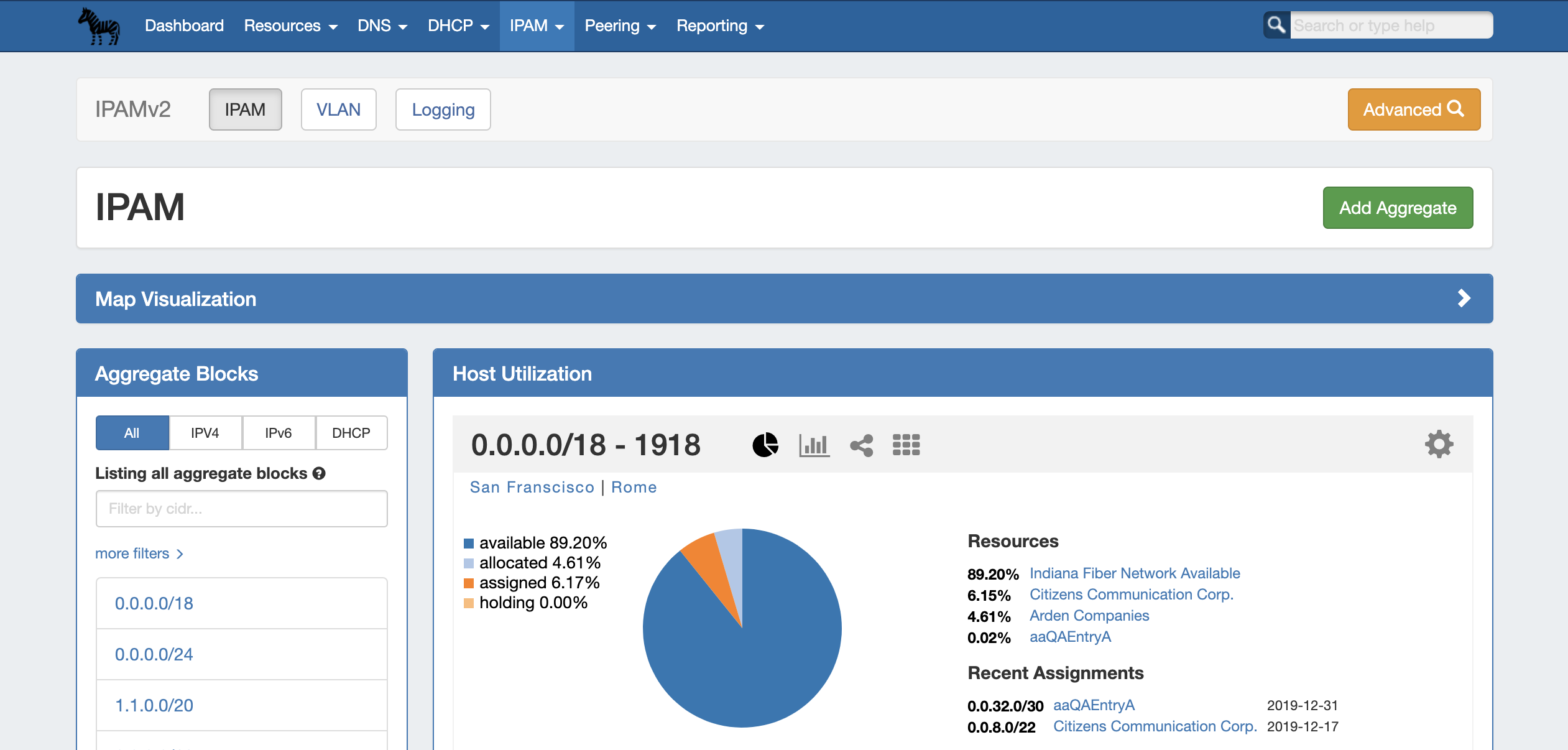
The IPAM tab contains three sub-tabs: IPAM, VLAN, and Logging.
The IPAM tab provides a listing of top-level aggregate blocks, tools to add, merge, sparse allocate, and manage aggregates, as well as multiple data visualizations. The blocks under each aggregate may be individually assigned, edited, swip'ed, and managed from the IPAM Manage page for the aggregate. For detailed information on specific aggregate and block tasks, see Working with IP Aggregates, Working with IP Blocks, and Working with IP Rules. For administrative level tasks, see IPAM Administration.
The VLAN tab (Admin only) shows an overview of Domains domains and VLANs on the left sidebar, and IPAM Utilization data organized by each Domain domain / VLAN pair. From here, Admins may enabled VLANs for domains, edit VLANs, add, remove, and edit domains and VLANs. Standard users may add/remove VLAN associations with blocks (as long as they have permissions on those blocks), and Browse browse VLAN Manage (similar to IPAM Manage). See VLAN Administration and Working with the VLAN Manager for details.
...
Opens the IPAM Manage screen for all blocks under all aggregates. See Working with IP Blocks for more information on working in IPAM Manage.
Add Aggregate
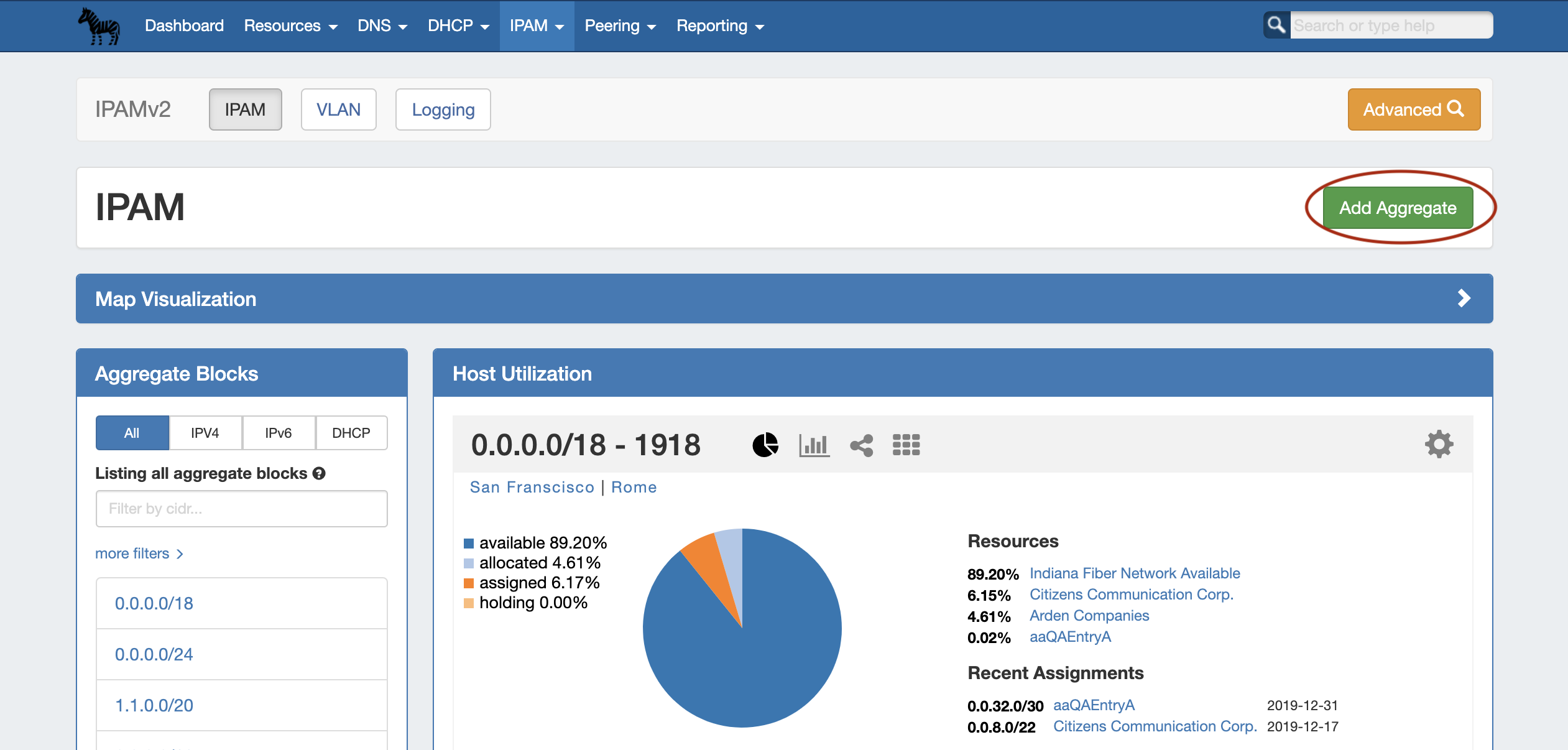
The "Add Aggregate" button opens a new page Opens a menu to add an aggregate block with options for RIR, VLAN, Tags, Region, Resource, and enabling Sub-Assignments.
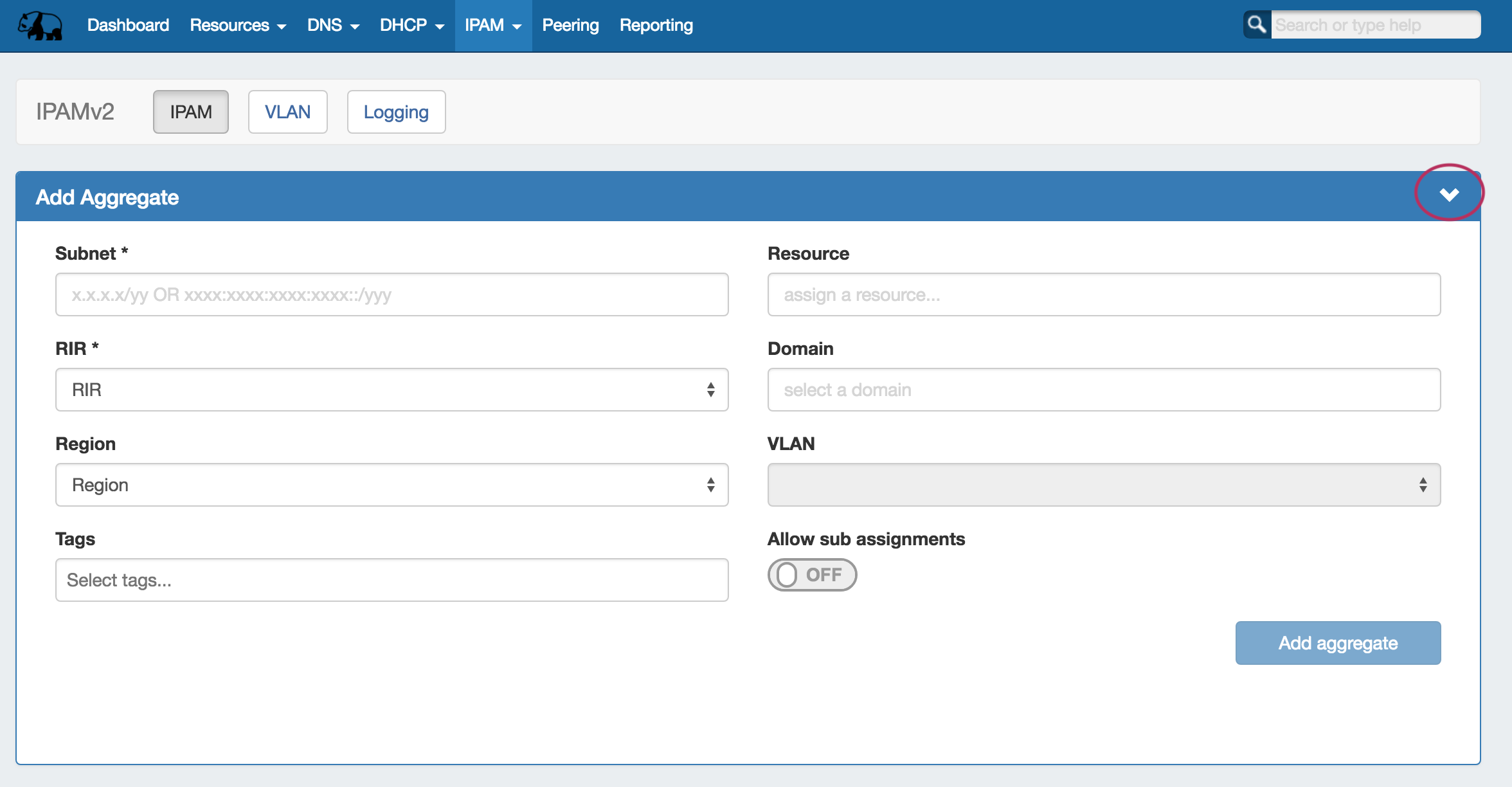
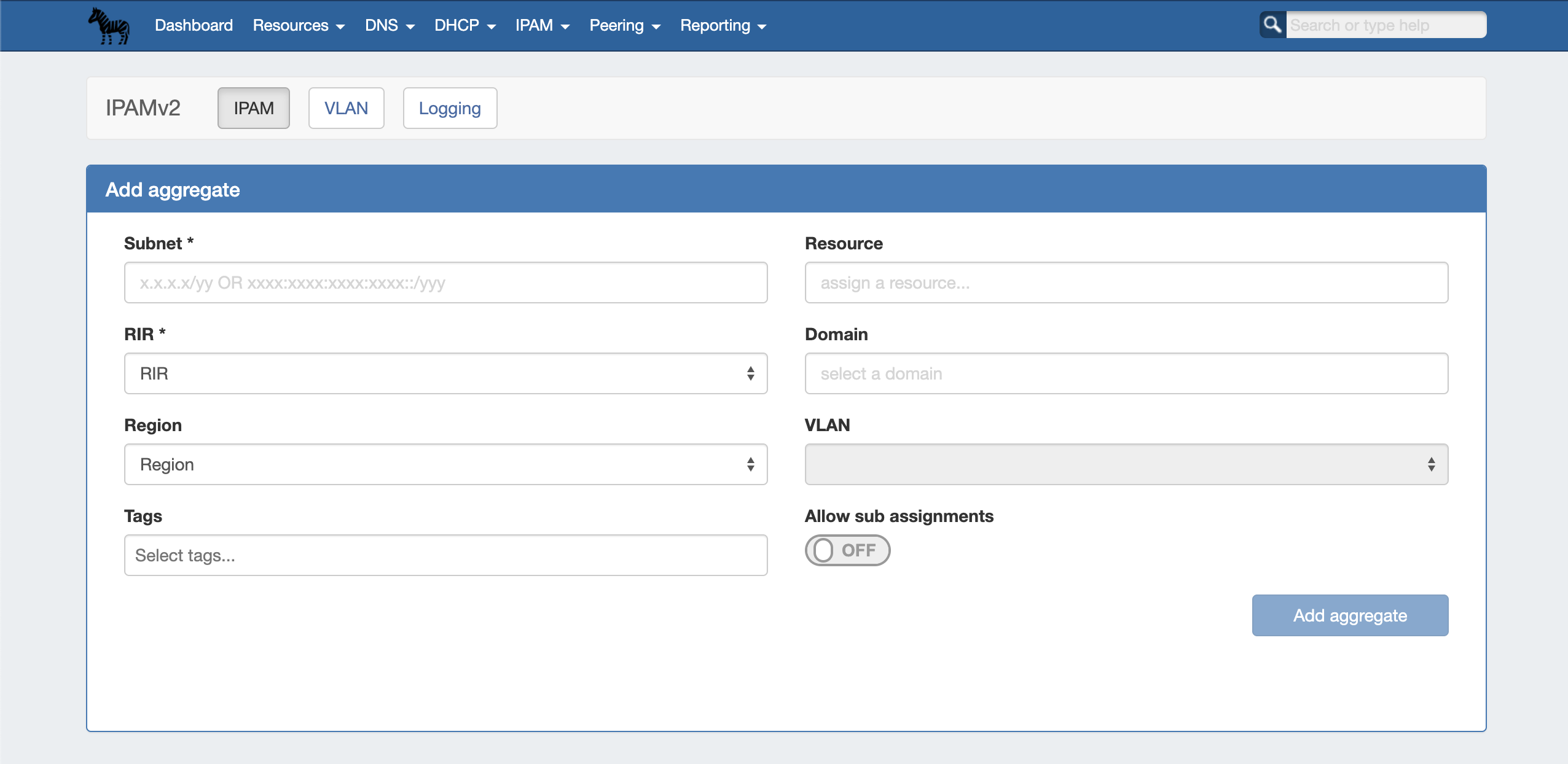
When done, click "Add Aggregate". The Aggregate IPAM Tab home page will automatically load, and the new aggregate will be listed under the Host Utilization and Aggregate Blocks list of the IPAM Tab , and individual blocks under that aggregate may be managed from IPAM Manage. for further management.
Map View
Map View Overview
...
| Expand | ||
|---|---|---|
| ||
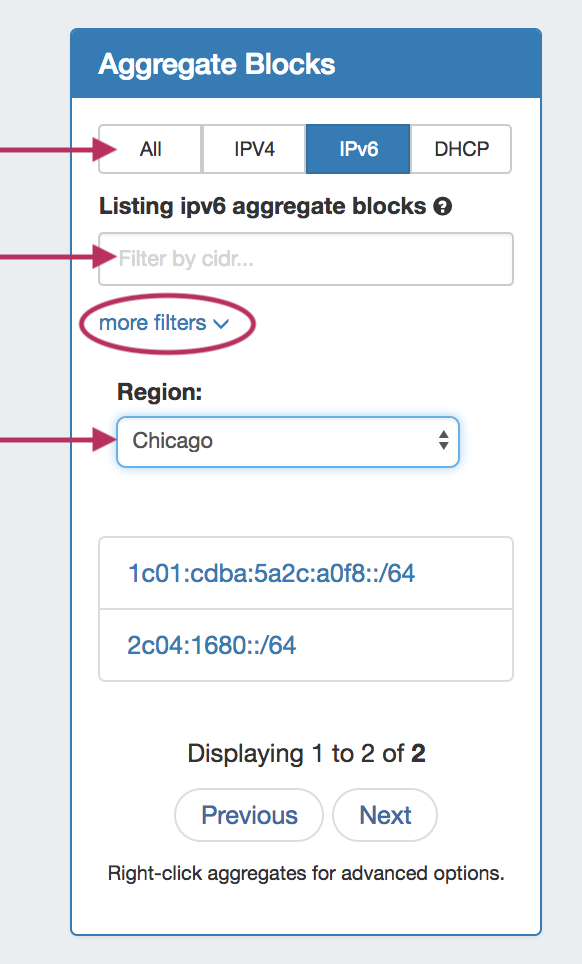
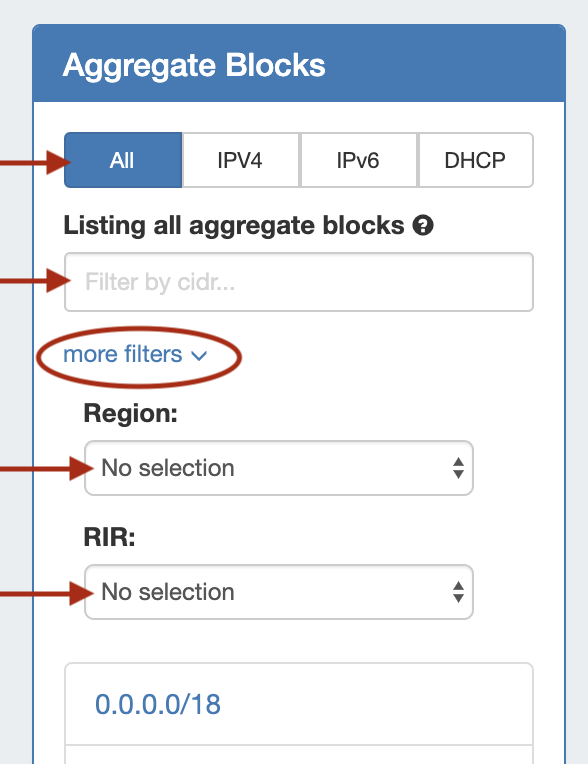
Search / Filter AggregatesSearch for and filter IPAM Aggregates from the Aggregate Blocks List:
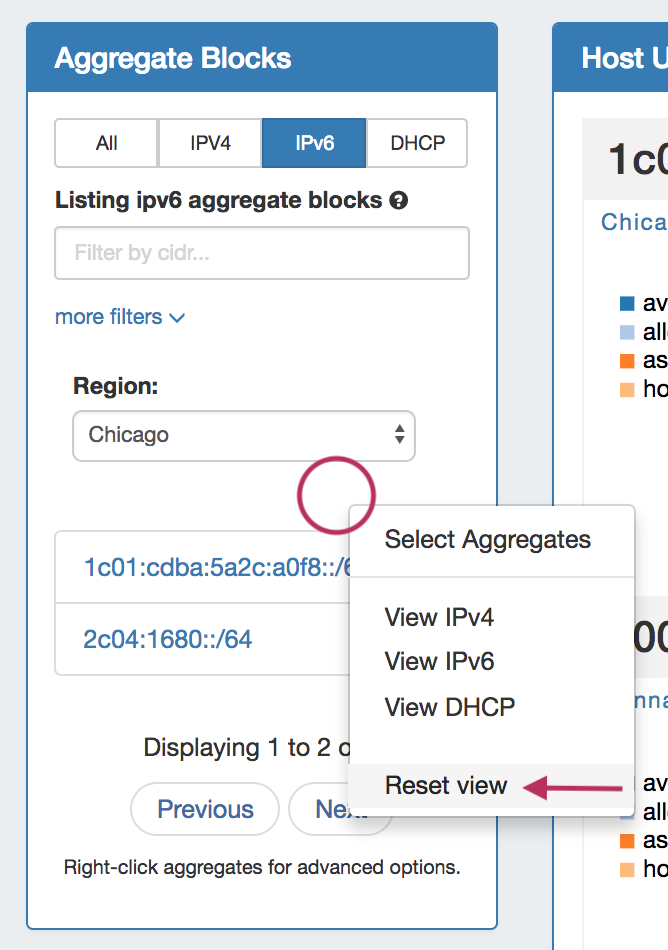
To reset the list, right click anywhere in the Aggregates Blocks list and select "Reset View".
|
...
- Manually: Create a new aggregate via the IPAM Tab. See: Working with IP Aggregates.
- Import from RIR: ProVision will automatically identify your RIR / organization and show available aggregates, or you can enter in an ORG ID or IP. See Import Aggregate .Blocks
- Import from .csv: Normalize your data as detailed in Importing Your Data - Normalize your Data, and then use ProVision's IP Import from .csv tool.
...