Approvals
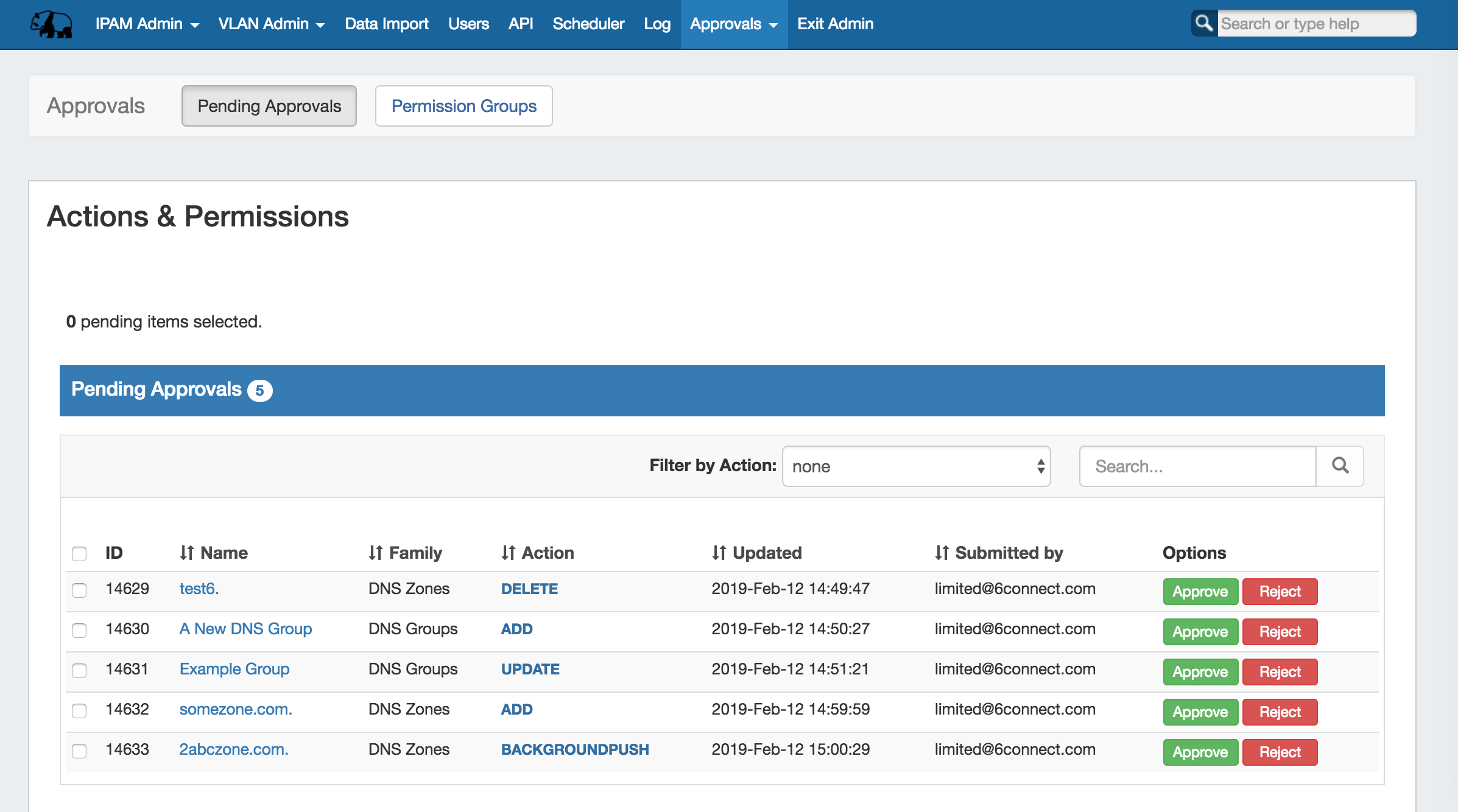
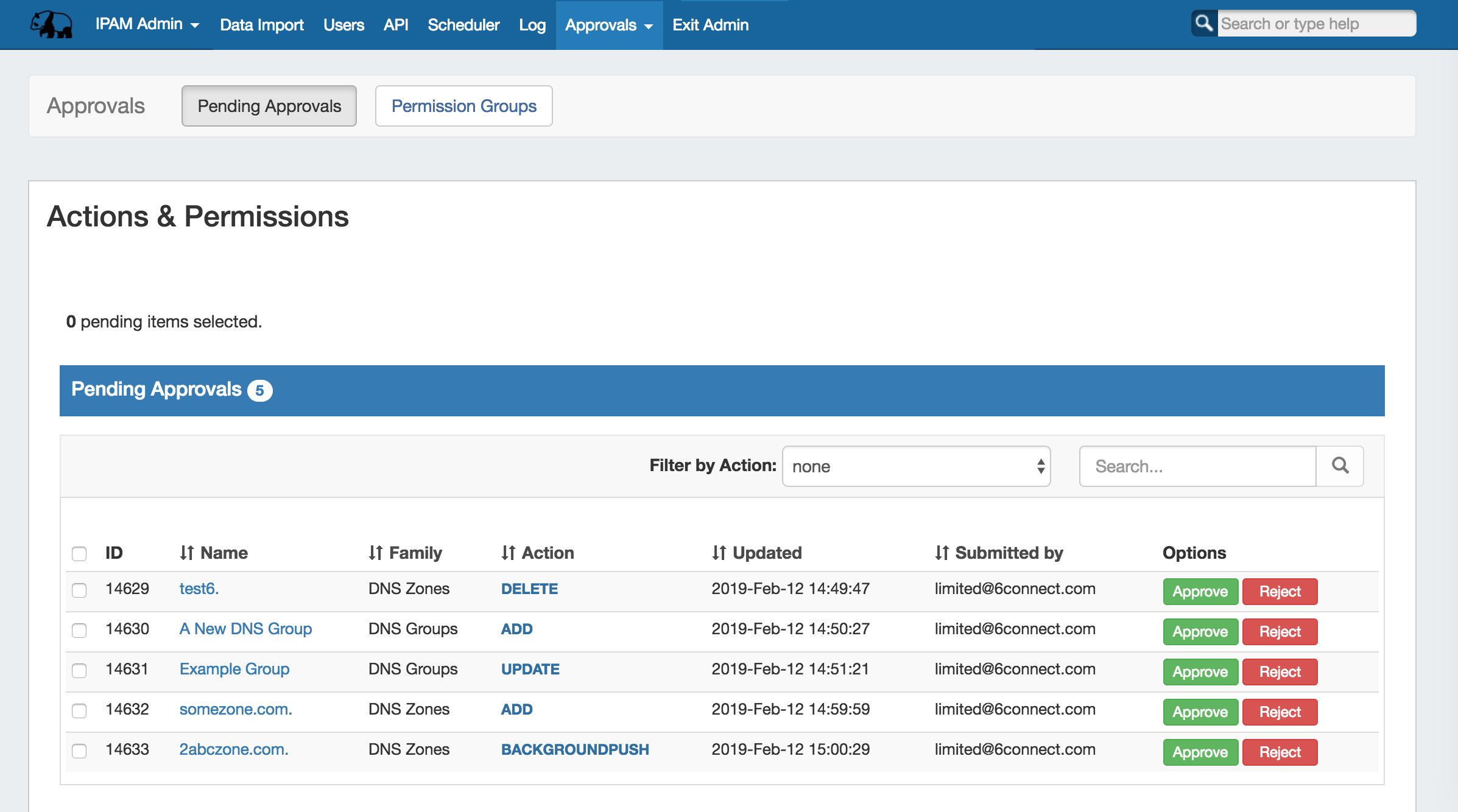
The Approvals module stores and queues DNS actions made by selected User Groups, and sends those actions to a Pending Changes list for administrative review. Later, an administrator (or combination of administrators) can approve or reject these stored actions.
...
| Table of Contents |
|---|
Approvals Tab - Overview
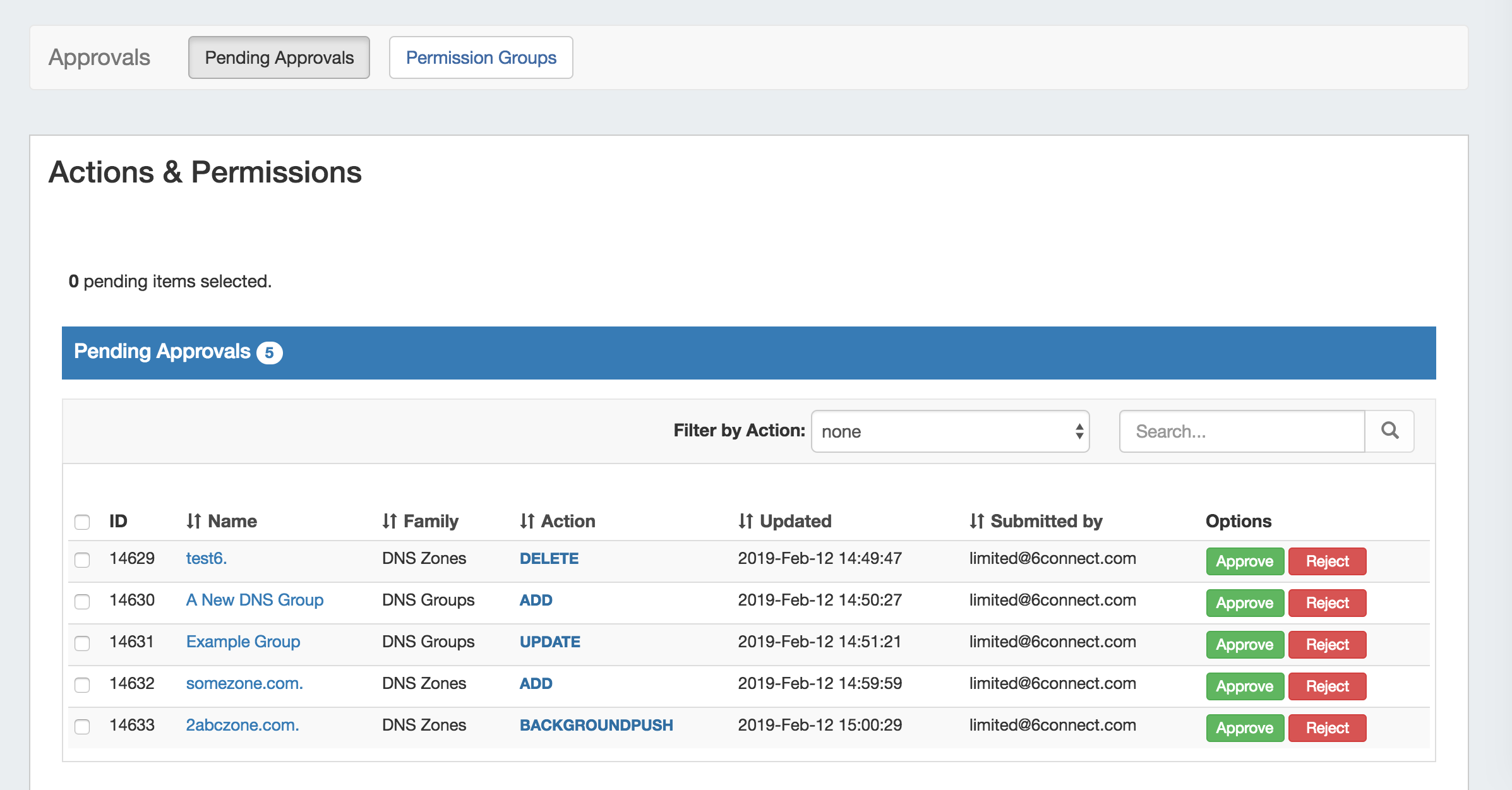
The ProVision Approvals system gives administrators an additional layer of flexibility and oversight to manage which changes are allowed to DNS items by users.
...
Step 4 - Enable Notifications (Optional)
If using Approvals notifications, enable notifications for the appropriate Permissions Group(s).
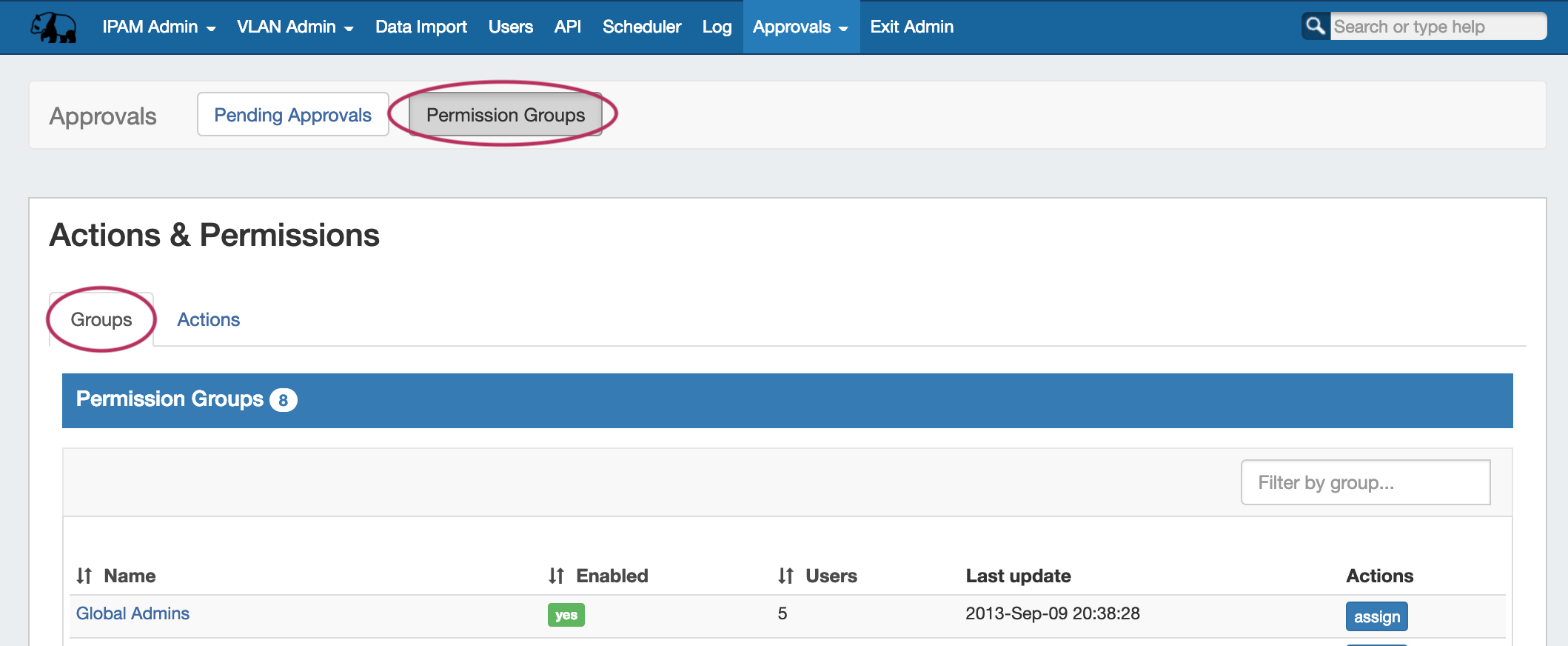
From the Approvals Tab, navigate to the Permission Groups sub-tab Groups page tab:
| Expand |
|---|
Click on the group name for which you want to set notifications - the Group Permissions Detail page will provide additional information on the group's settings.
For any Family/Action that you want to enable notifications, click the checkbox under "Enable Notifications". All users of that group will get email notifications when a change of the selected type(s) are made. |
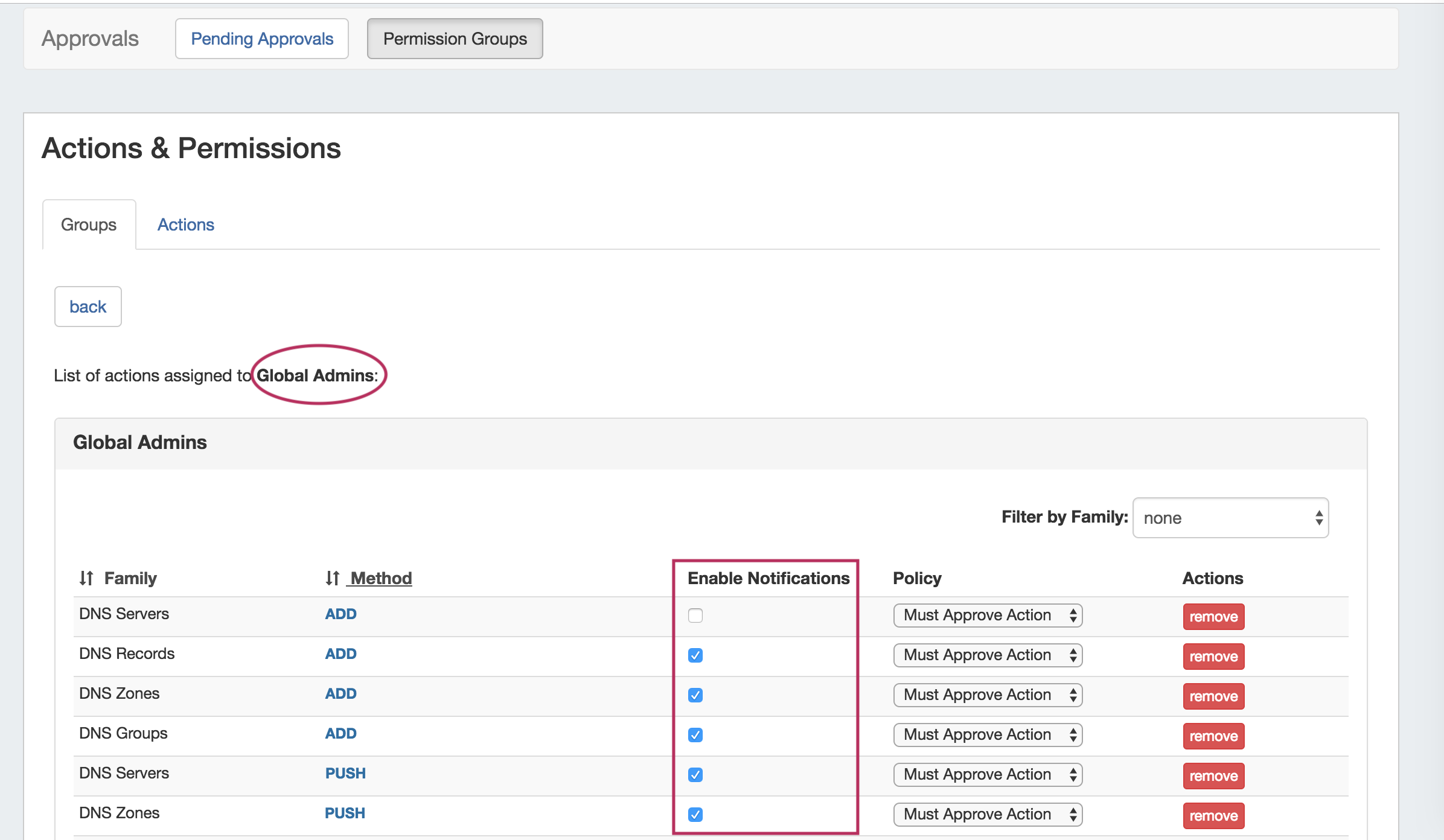
...
The "Approvals - Process Subscription" task processes approval request events and handles the sending of notification emails to subscribed Approvals Groups - this task task must be created and running on a regular interval in order for Approval Notification emails to be sent.
...
Set up a Scheduler Task for "Approvals - Delete events older than 1 month", to occasionally clear out old and obsolete Approval request events.
It is recommended to set this task to run monthly with no end date, to clear out obsolete approvals items, reduce data storage space needs, and reduce approvals page load time.
For information on setting up Scheduler Tasks, see see Scheduler.
Daily Use
On a day-to-day basis after initial setup, an Approvals Workflow will be similar to the following (with "Submitter" as the user whose actions require approval, and "Approver" as the admin with the ability to approve/reject the change):
- Submitter makes an action (either by action type or DNS Family) that requires approval
- Submitter is notified that their action is pending approval
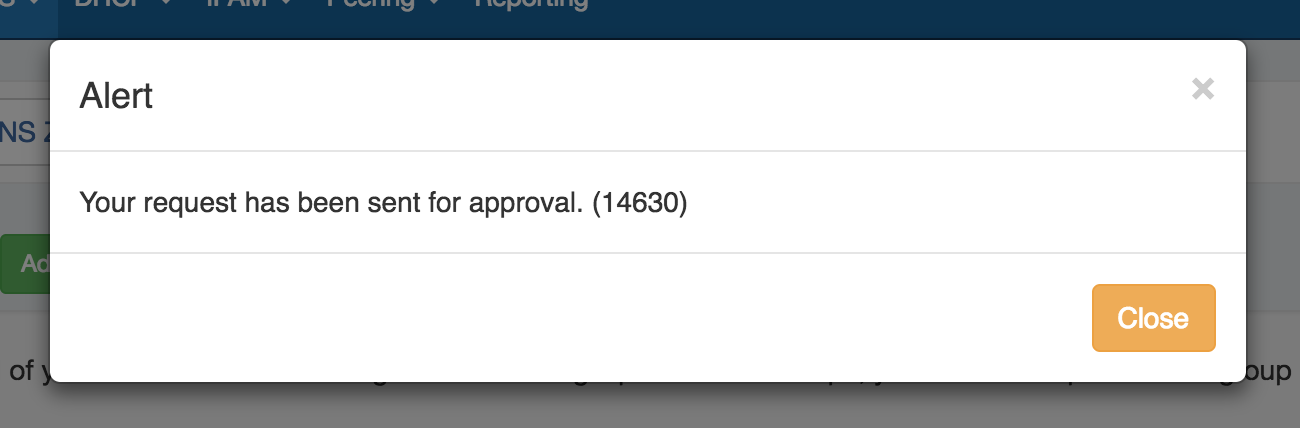
The requested change is sent to the Approvals Tab Pending Approvals list, and also to the DNS Resources Awaiting Approval module (the submitter may see their own submitted action under "Resources awaiting approval", but only Approvers can take approve/reject actions)
Expand title Pending Approvals List... The Pending Approvals list is under the Approvals Tab. It shows Approvals events (change requests) for which the user has the ability to Approve or Deny - it does not show approval requests for all of ProVision or those for other users.
Expand title Resource Awaiting Approval Module... A "Resources Awaiting Approval" module will display in selected DNSv3 pages to Users with Admin / Approval permissions, if a change has been submitted on that page that is pending approval by the User's Approval Group.
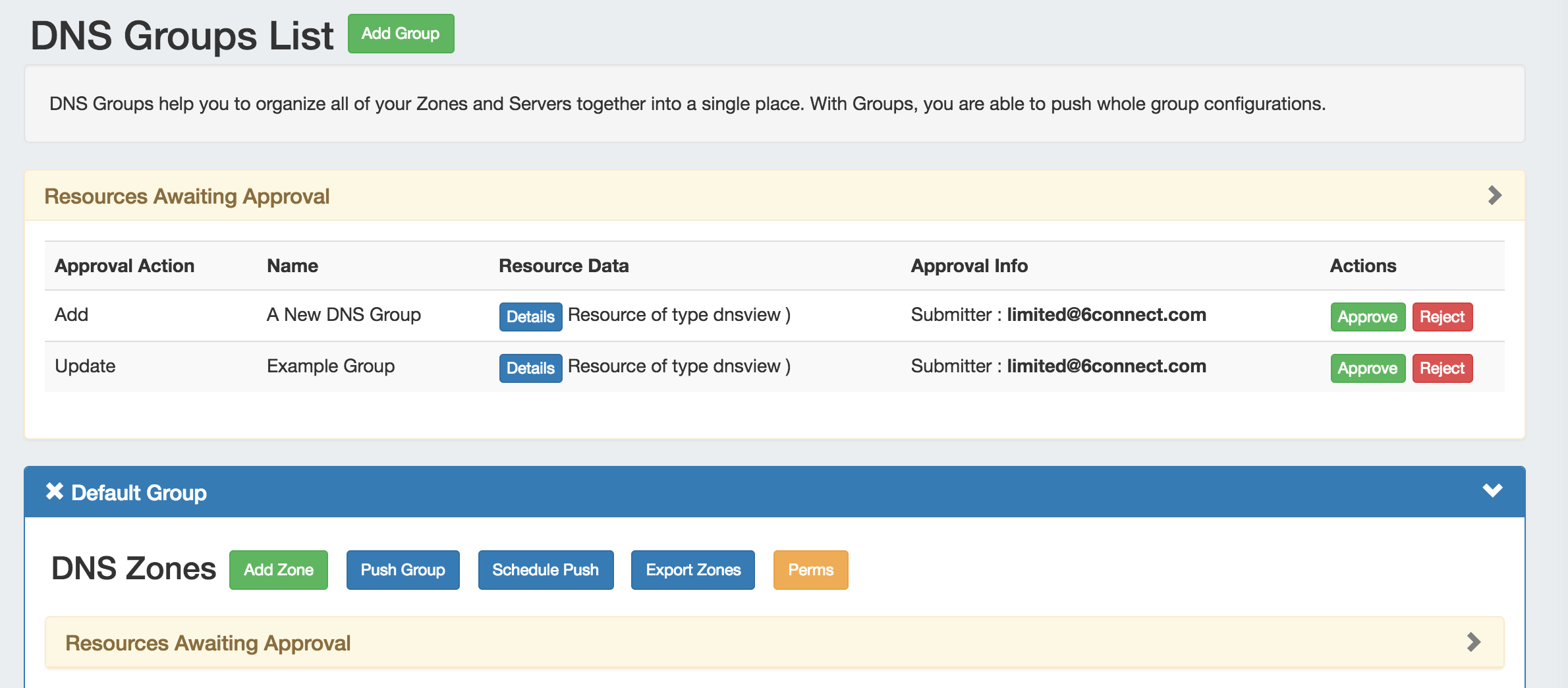
The Approver reviews the change in either their Approvals Tab Pending Approvals list, or the DNSResources Awaiting Approval module, and chooses to Approve or Reject the change:
Expand 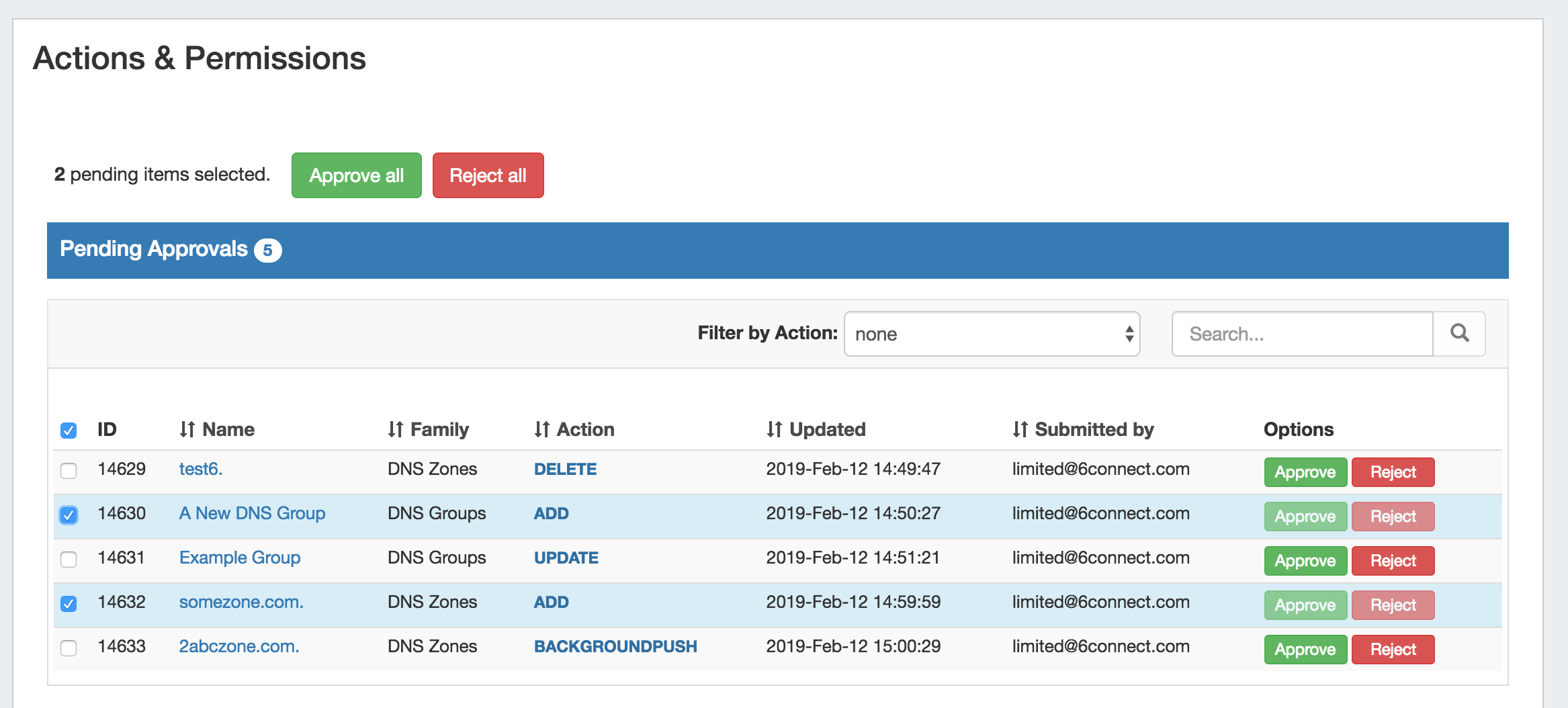
- If Approved, and no other groups need to approve it, then the change executes and is saved. A status change notification email is sent, if enabled.
- If Approved, and is waiting approval from an additional User Group, the change continues to be held as Pending, until the other group responds (Both groups must "Approve" for the change to execute). A status change notification email is sent, if enabled, stating that the change is awaiting another Group.
- If Rejected, the change is not executed. A status change notification email is sent, if enabled.
Example Notification Email: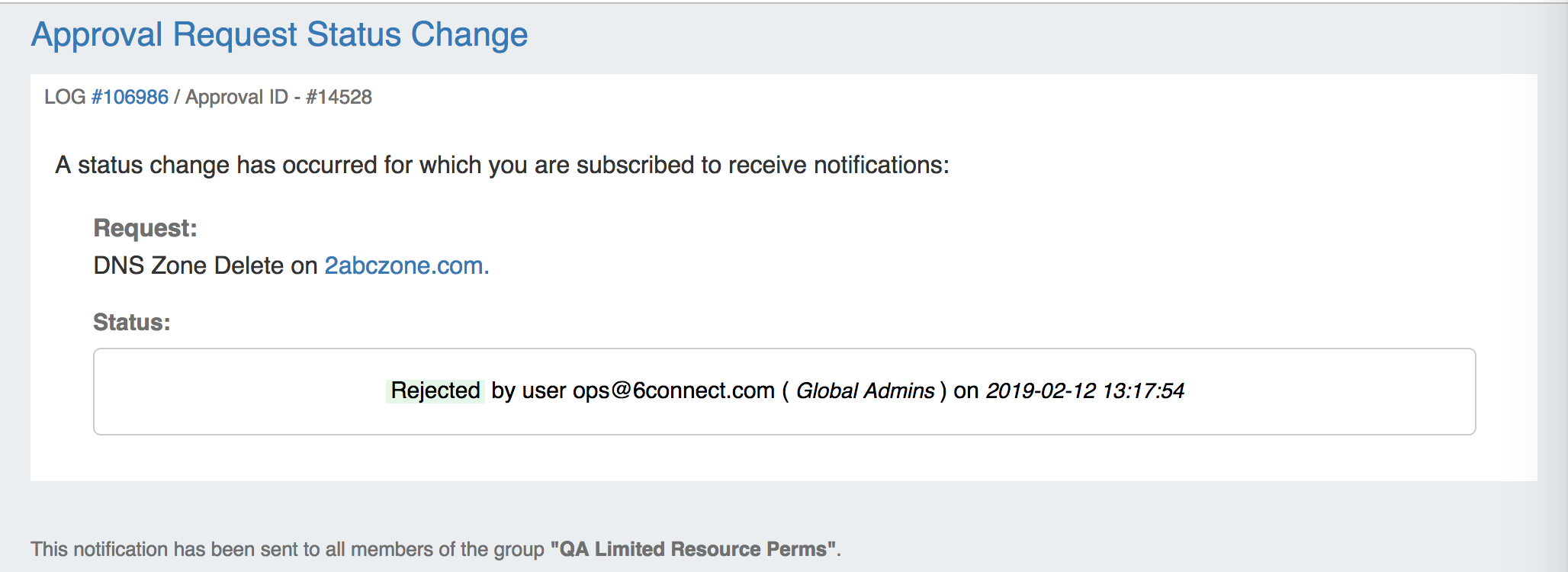
...