Working with IP Rules
| Table of Contents |
|---|
IP Rules
...
Once changes are applied, the rule will show the name, affected CIDR, affected IPs, and present with an option to remove the rule.
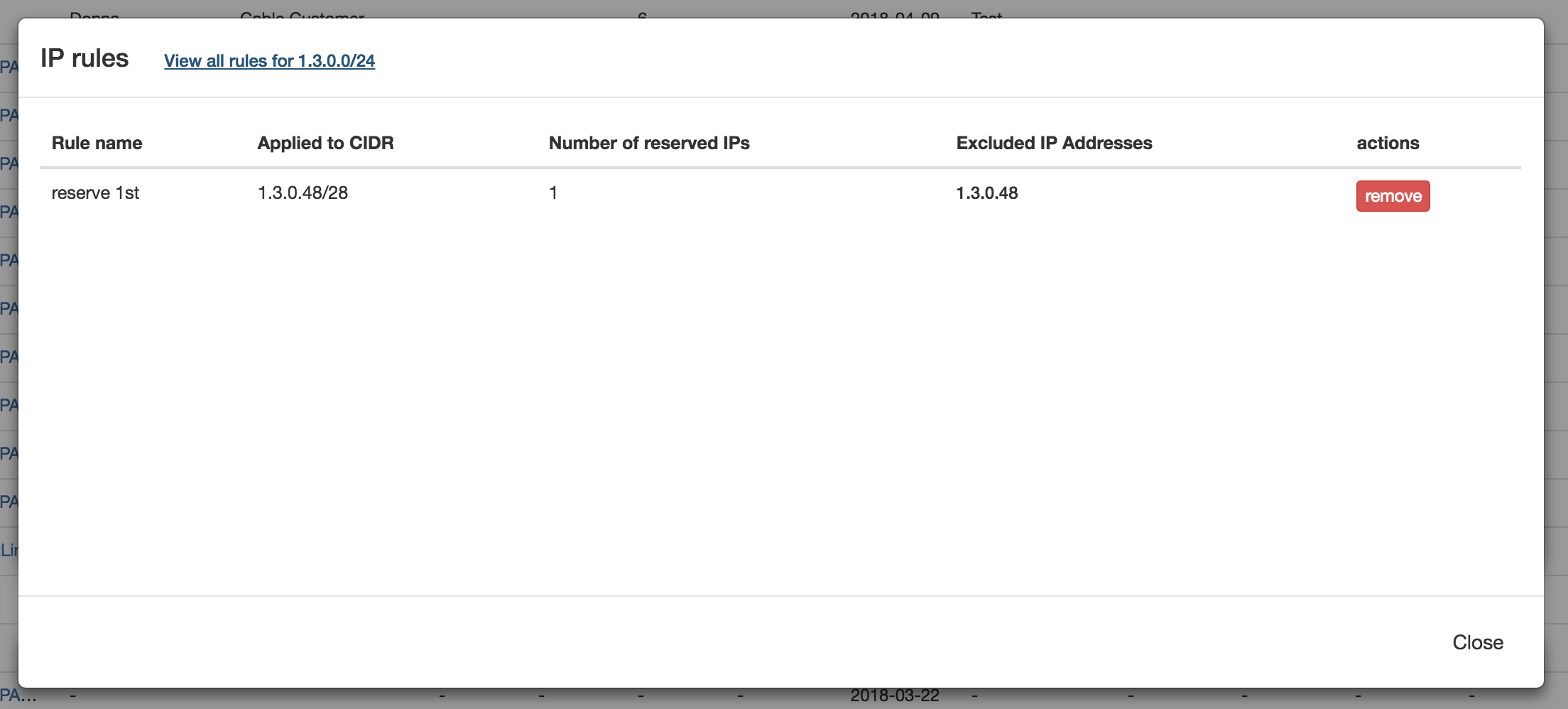
When a rule is applied, an indicator icon will be visible next to the block.

Remove a rule from a block
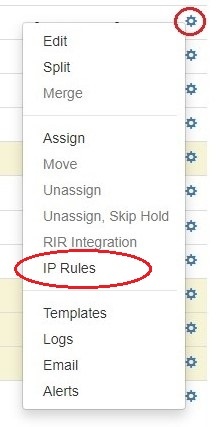
From the IPAM Manage screen or IPAM Gadget, click on the indicator icon or open the Action Menu (gear icon) for the desired block . Select and select "IP Rules".
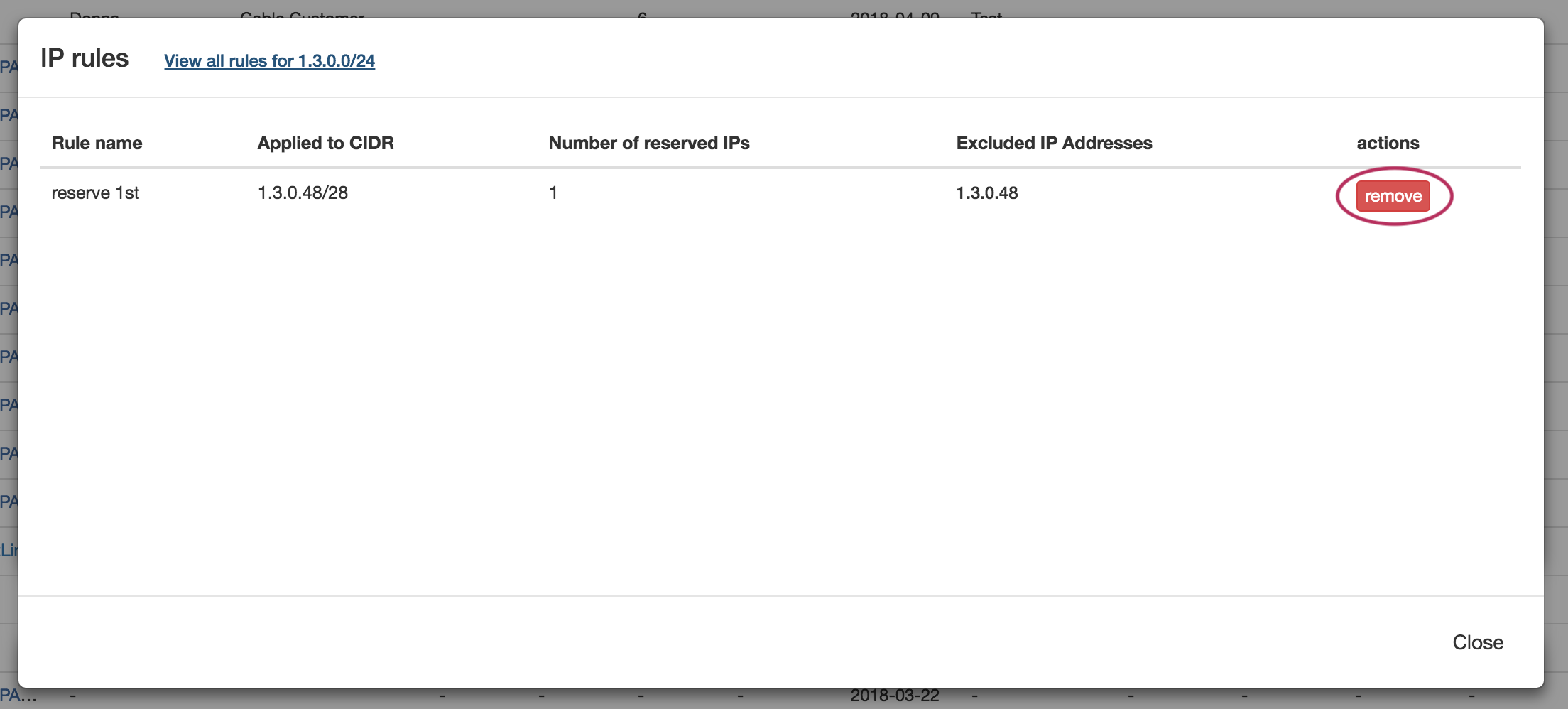
The details for the existing rule applied to the block will be shown. To remove the rule from the block, click the "Remove" button and confirm.
The rule will still be able to be re-applied and usable by other blocks, simply no longer applied to the current block.
Additional Information
For additional information on working with IP Blocks and IP Rules, including Admin-level tasks, see the following areas:
...