
By default, ProVision credentials are managed via local authentication. Depending on the authentication method chosen by your organization, there may be a separate authentication mechanism to login or logout of the application via the drop down menu.
Four non-local authentication types are available:
Settings for these authentication types may be entered from the "Authentication" sub-tab at the top of the Admin Settings page.
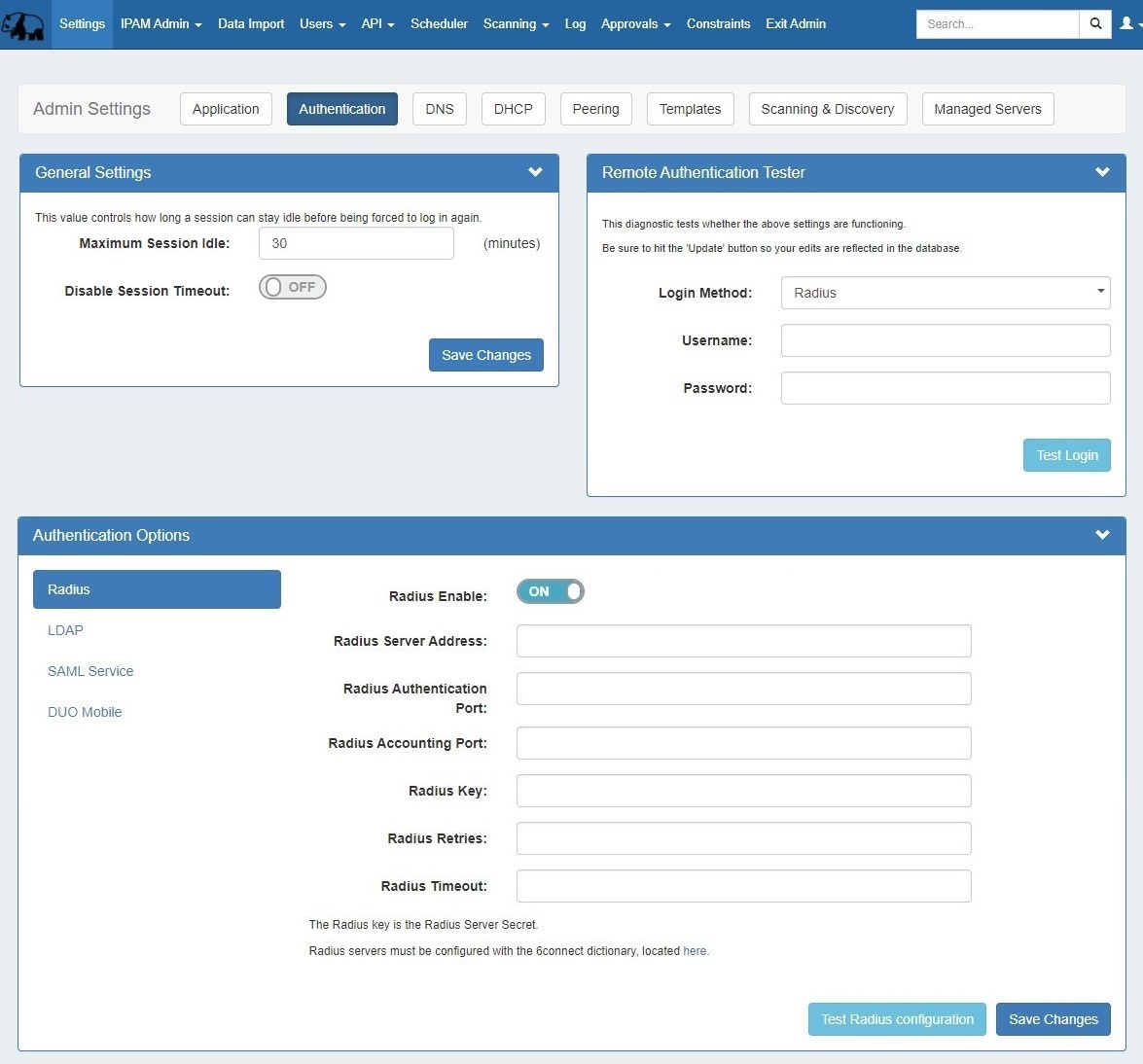
Authentication settings are accessed by clicking the "Authentication" sub-tab at the top of the Admin Settings page.
In this area, you may set the max session idle time, as well as setup additional authentication options. Four non-local authentication types are available: Radius, LDAP, SAML, and DUO Mobile.
For general authentication settings and options, see the settings below.
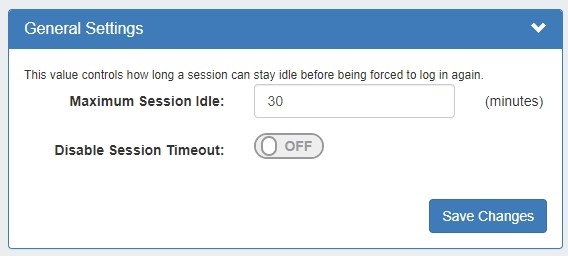
General settings contains options for user sessions:
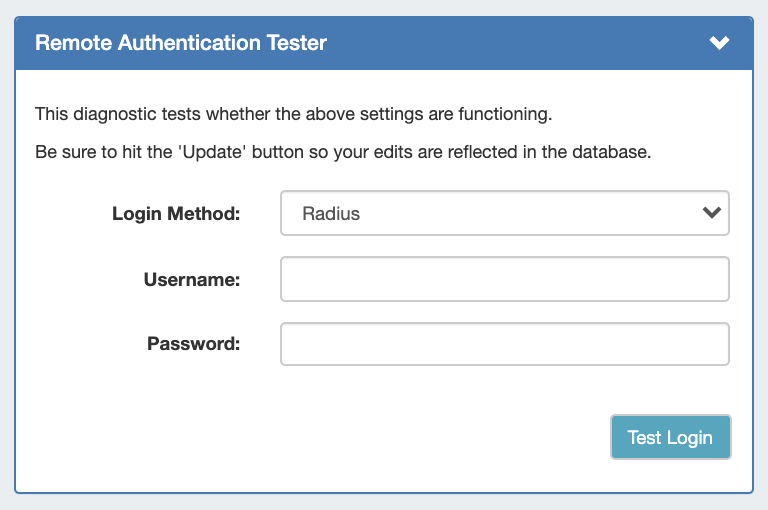
The Remote Authentication Tester checks Radius / LDAP settings for a user.
Select the Login Method (Radius or LDAP), enter the Username and Password for the user, and then click "Test Login".
Four authentication types are available: Radius, LDAP, SAML, and DUO Mobile. To view settings for each, select the authentication type from the list at the left of the module.
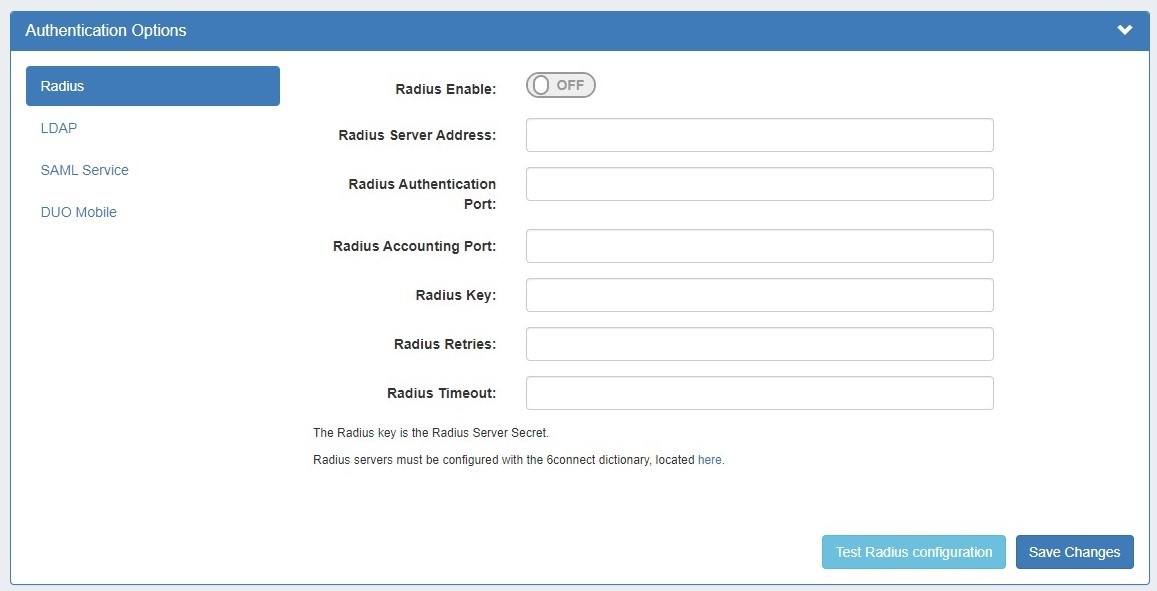
For details on each authentication type, see the following pages:
To log in to ProVision:
Depending on the authentication method chosen by your organization, there may be a separate authentication to login or logout of the application via the drop down menu.
The drop down menu defaults to "local" - if you are using another authentication method, you can use the following to change the default ordering and improve usability. In the file data/globals.php, add a line:
Acceptable values instead of 'ldap' are 'local', 'radius' and 'saml'. |
Detailed information on specific authentication types is available on the following pages: