API Tab
The API tab allows you to create and manager API keys for users. It also provides links to APIv1 / APIv2 documentation and beta Reverse API management.
Create / Revoke a Key
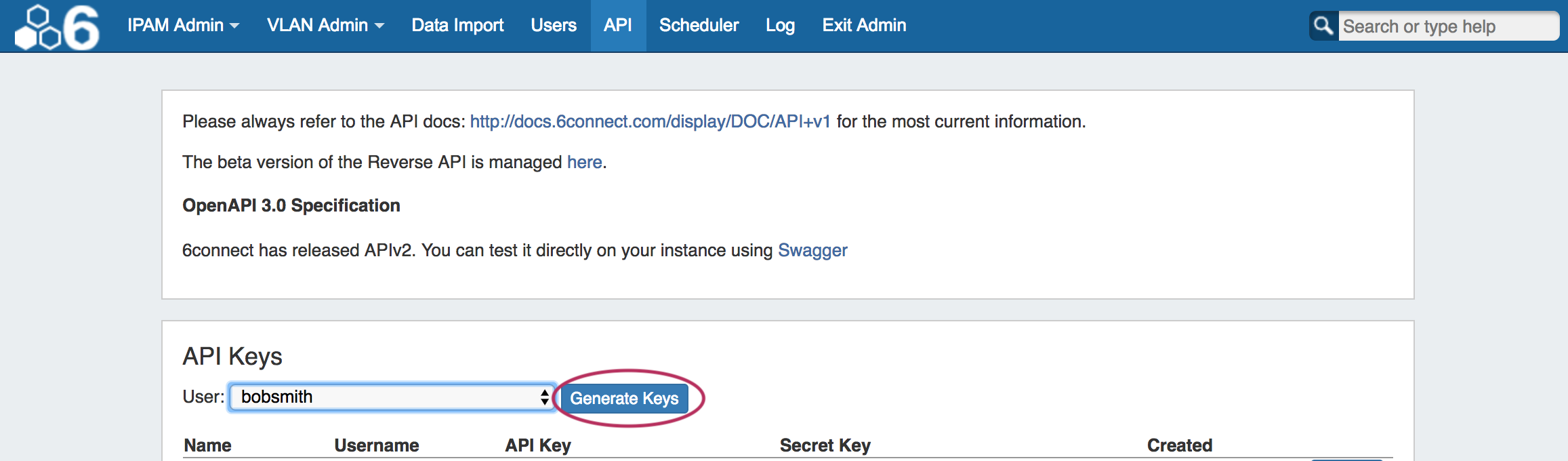
To create a key, simply select the user, and click on "Generate Keys". The Name, Username, API Key, Secret Key, and Created date information will be added to the list below.
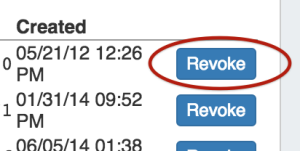
To revoke a user's key, click "Revoke" at the end of their entry.
For detailed information on working with API features, please refer to (7.0.0-7.0.2) ProVision Developer Tools and (7.0.0-7.0.2) API v1.