...
LIR Walkthrough
| Info | ||
|---|---|---|
| ||
Before you begin, determine who in your organization has access to the RIR API Keys related to the ASNs used by your organization and gather the following data: For ARIN, you will need to gather data for the ASN, Org ID, Admin/Tech/Abuse POCs, Name Prefix, and API Keys for each ASN. For all other RIRs, you will need information for the Maintainer, Password, and Admin/Tech Contacts per ASN. |
Table of Contents
Create LIRs
First, go and set up an LIR from Admin → IPAM Admin.
Click "Add / Edit / Update LIRs"
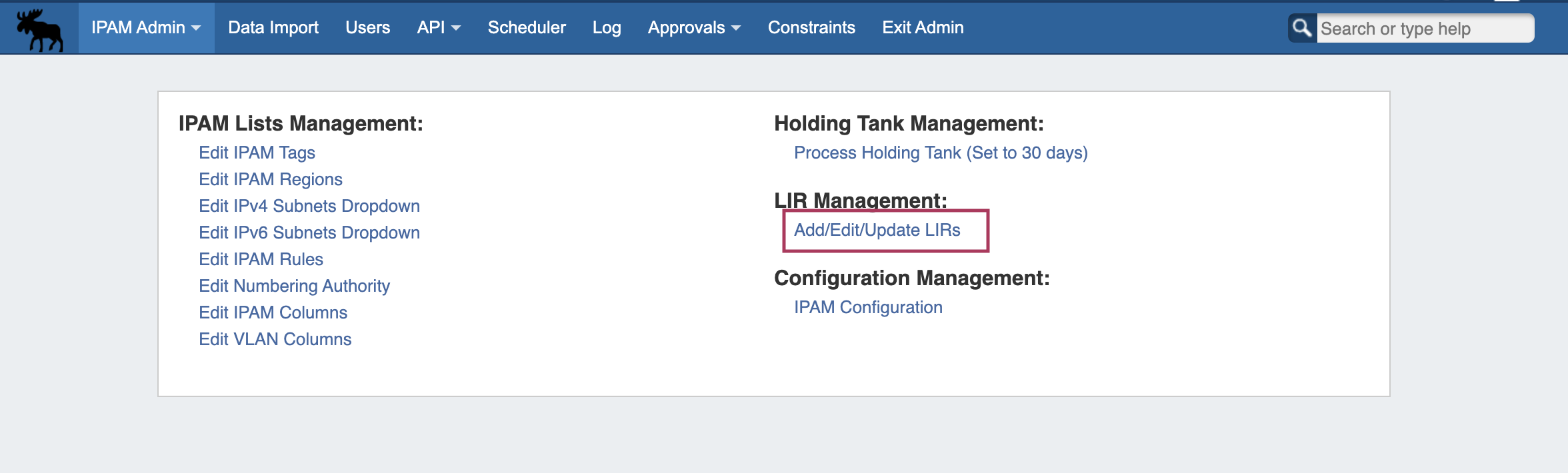
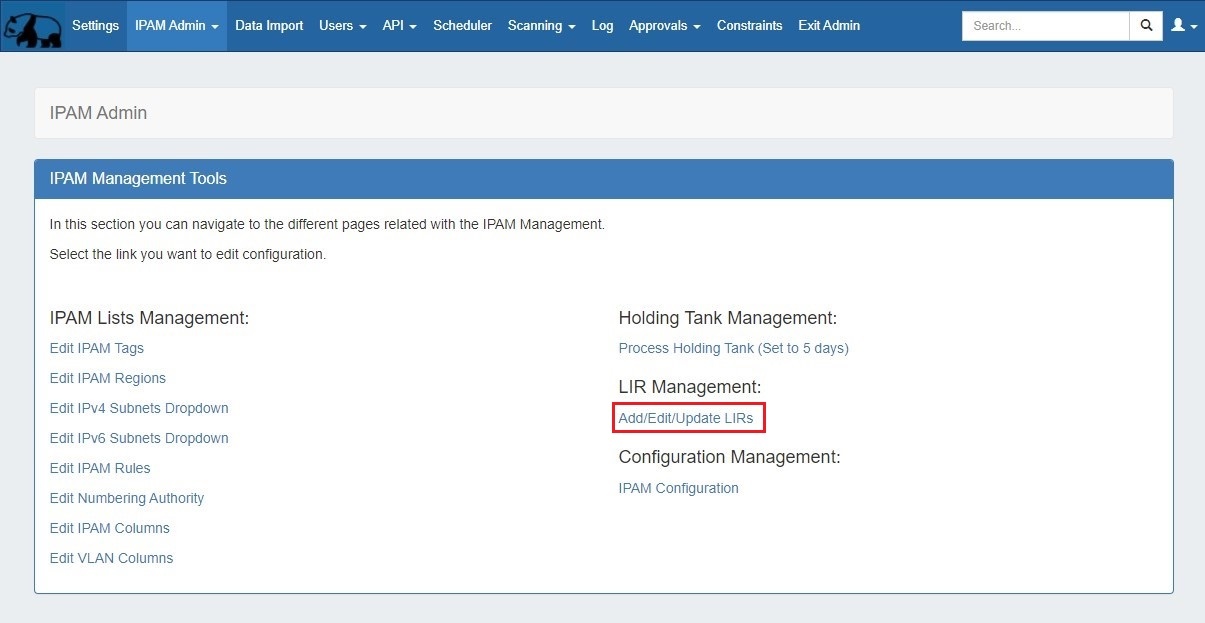
Complicated or large organizations will likely need many.
Start by Adding adding a new LIR by clicking the "Add LIR" button at the bottom top of the LIRs Listpage:


At this point, you should have data collected for each RIR/ASN combination used in your organization.
...
When you are done, click "UpdateSave" to save, and continue to add other LIRs as needed.
...
Our /27 has been delegated to our new fake company, here:
| No Format |
|---|
https://whois.arin.net/rest/net/NET-67-221-244-160-1 |
A new ARIN entry for the fake company has been automatically made:
| No Format |
|---|
https://whois.arin.net/rest/org/MEDAT-1.html |
...
https://whois.arin.net/rest/org/MEDAT-1.html |
And the relevant Points of Contact have been generated:
| No Format |
|---|
https://whois.arin.net/rest/org/MEDAT-1/pocs |
This lets everyone know that if issues arise with that / 27, they know who to contact to resolve the issue.
...