Working with Domains
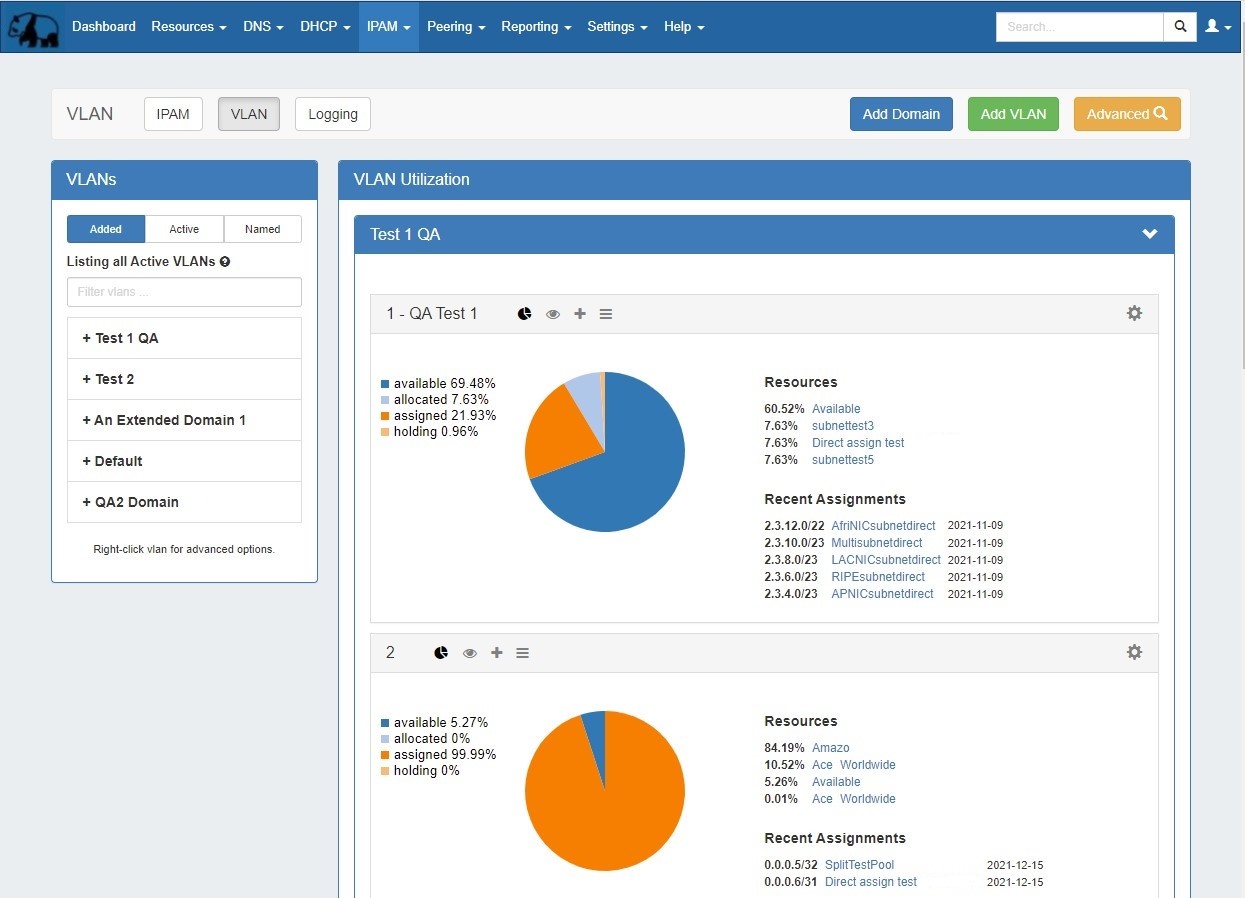
This page provides detailed instructions on performing specific tasks in ProVision's VLAN the VLAN Manager. Before reading this section, please ensure that you are familiar with navigating to the VLAN areas, including the VLAN Sidebar, VLAN Utilization area, VLAN Manage, and VLAN Advanced. For a broader overview of the VLAN system, its workflow, and basic navigation through the available VLAN pages, please refer to the VLAN page.
| Table of Contents |
|---|
Working with VLAN Domains
Viewing / Managing Domains
You may view active domains from the VLAN Home Sidebar, the VLAN Home Utilization area, or from VLAN Advanced.
VLAN Sidebar
The VLAN sidebar sidebar lists the domains and VLANs that have been added to ProVision. Here, you can search for domains / VLANs by name, filter by Added/Active/Named status, and access common tasks.
...
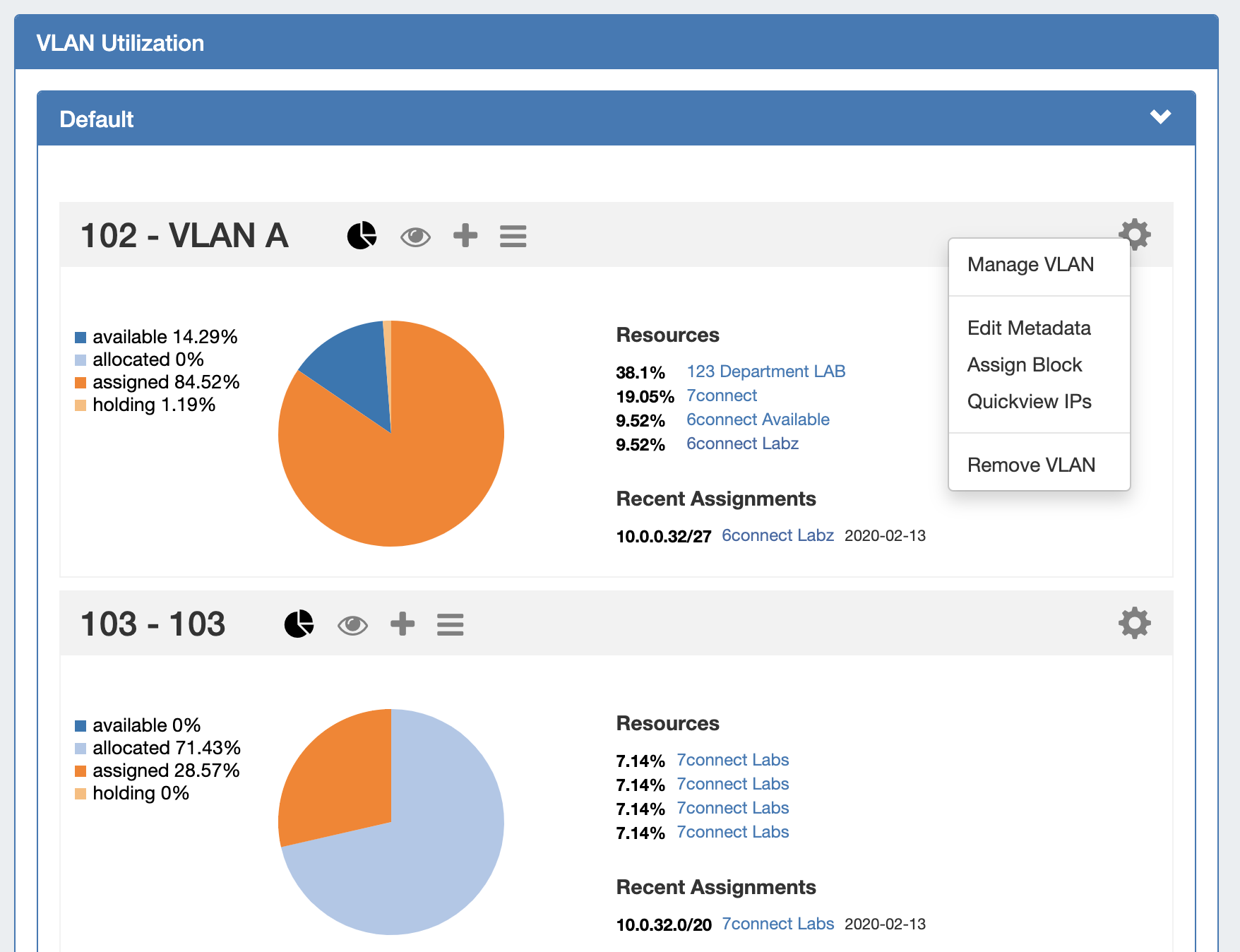
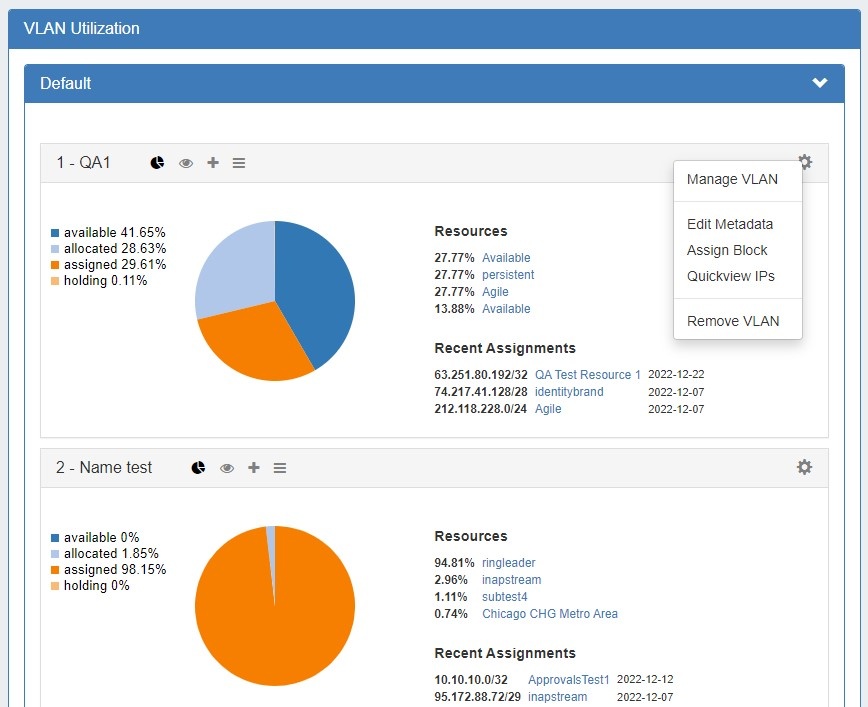
The VLAN Utilization area displays all domains and VLANs added to ProVision in collapsable collapsible modules. Here, you may view all VLANs under a domain with their utilization data, and perform VLAN level managements tasks.
VLAN Advanced (Global View)
VLAN Advanced displays a sortable and filterable list of all the domains / VLANs added to ProVision and the associated metadata.
...
When deleting a domain, both the domain and all VLANs under it will be deleted. Any IP blocks associated with the deleted domain will have its Domain and VLAN association removed.
Additional Information
For information on working with VLANs, continue on to:
...
For a higher level overview of ProVision's the VLAN Manager , see: